
Codeblix Construction · Meet Max
AI staff for your construction team.
Give Max a BOQ to review, a rate to find or a site material request to prepare. Your construction AI assistant works with project records, purchasing, documents and construction accounts inside Codeblix Construction.
Explore 41 construction AI capabilities →For construction directors, estimators, quantity surveyors, project managers, site engineers, buyers, storekeepers and construction accounts staff. Your company settings and each person's access define the scope.
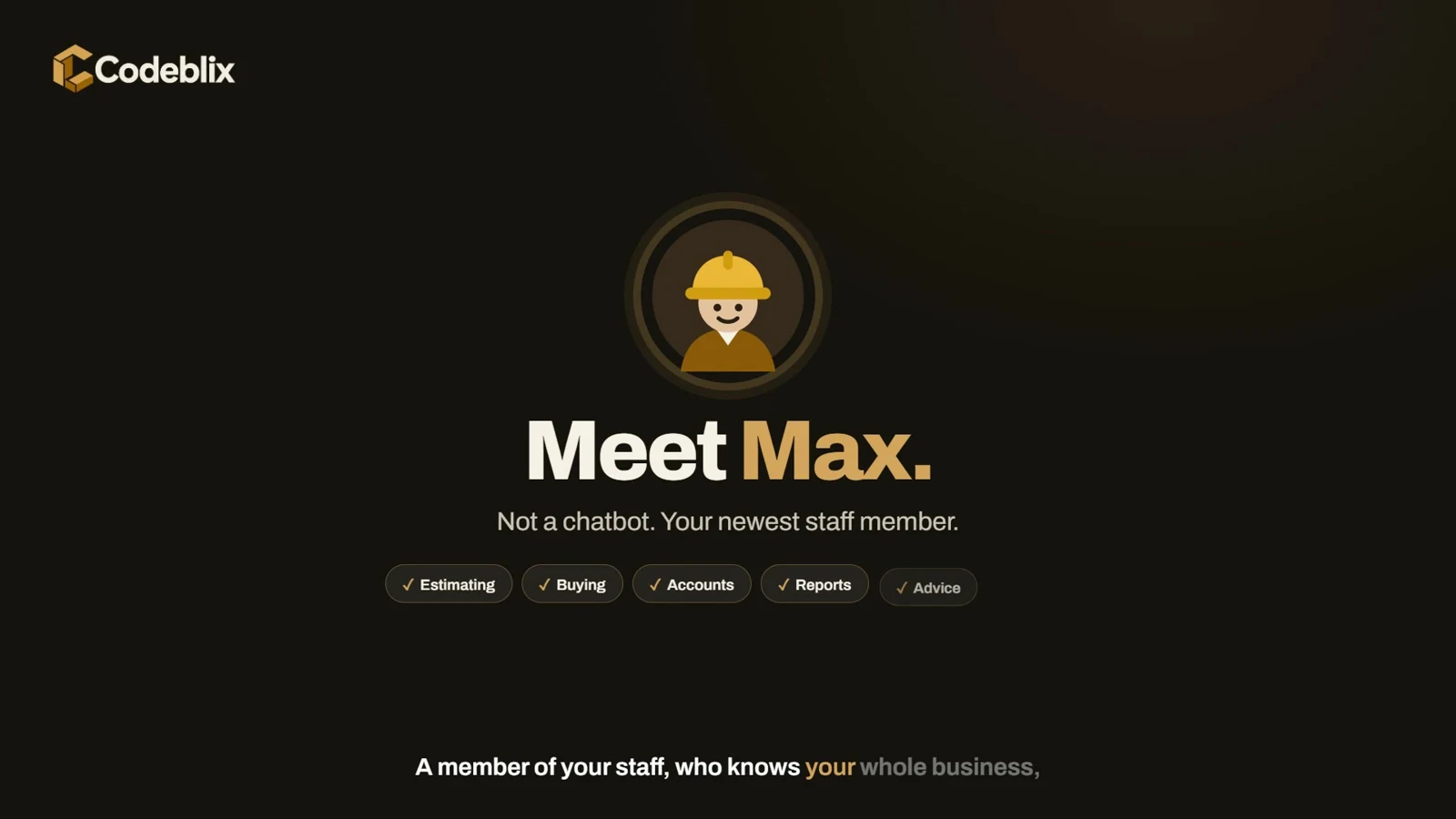 A day with Max at Summit Builders.Construction product film · 13 minutes · Chapters and transcript
- BOQs and rates
- Site material requests
- Construction procurement
- Project documents
- Construction accounting
Construction management software, with Max beside the team
Keep the project behind every question.
The quantity surveyor asks about a BOQ. A site engineer needs materials. The buyer checks an order. The construction accountant follows the invoice evidence. Max helps each person reach the project information and next step they need.
- 01
Ask about the job
Use ordinary language to ask about a project, BOQ, rate, material allowance, order or construction document.
- 02
Read the project evidence
Review answers with record cards, tables, charts and links to the authorised construction screens.
- 03
Review the prepared work
For supported changes, inspect quantities, prices and before-and-after details on a review card.
- 04
Confirm the next step
An authorised person confirms a supported change. Purchasing approvals, invoice posting and payments follow the normal construction workflow.
Construction estimating software and BOQ review
Find the rate. Check the bill. Keep the revision.
Review an Excel or CSV bill of quantities before importing it. Max can flag missing rates and unclear units, read quantities and totals, and search the construction company's schedule of rates and resource library.
Prepare supported rate changes, new BOQ revisions and item updates for confirmation. The quantity surveyor sees what will change before the authorised action goes through.
Explore BOQ and rate capabilities →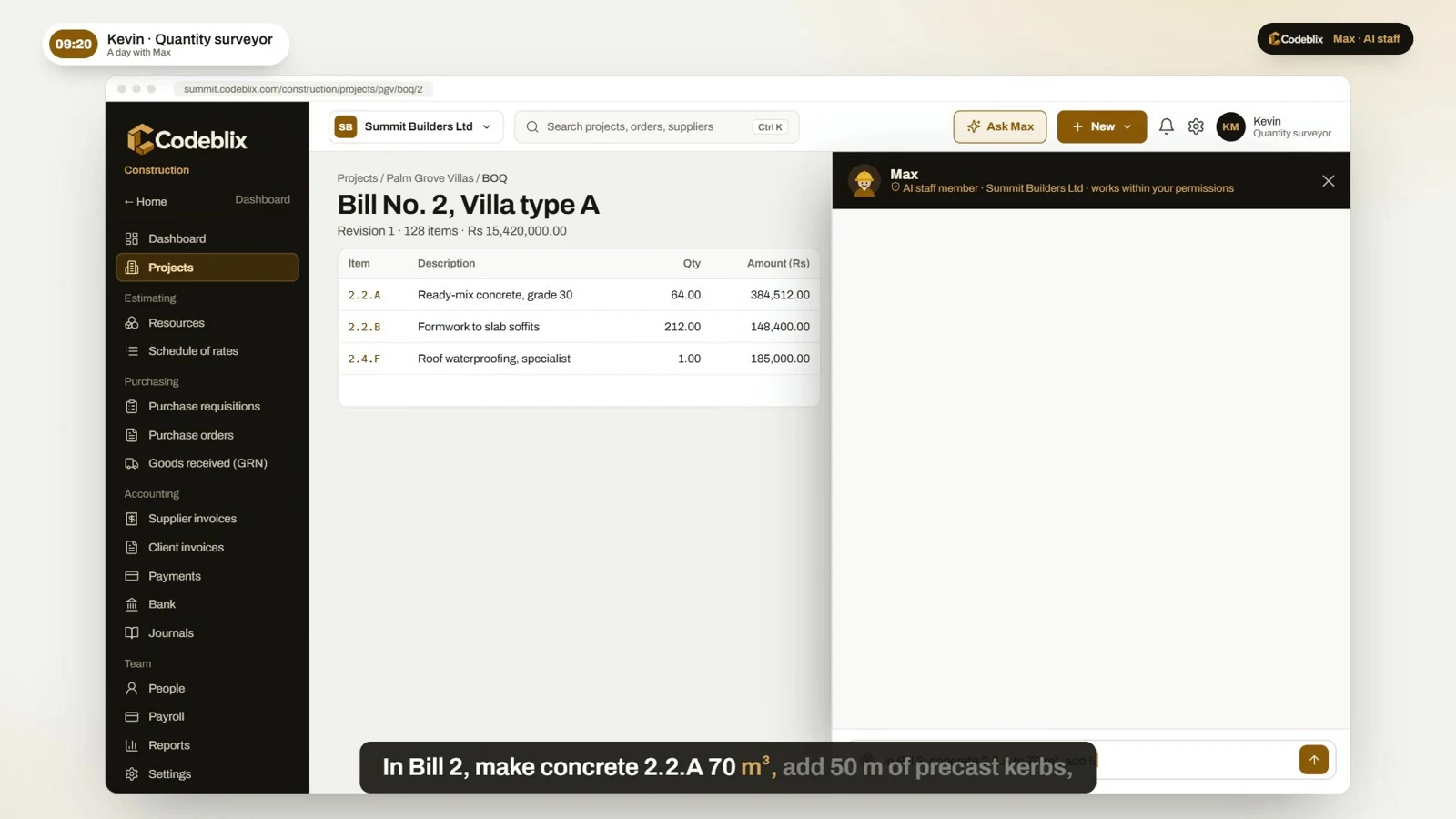
Construction procurement software
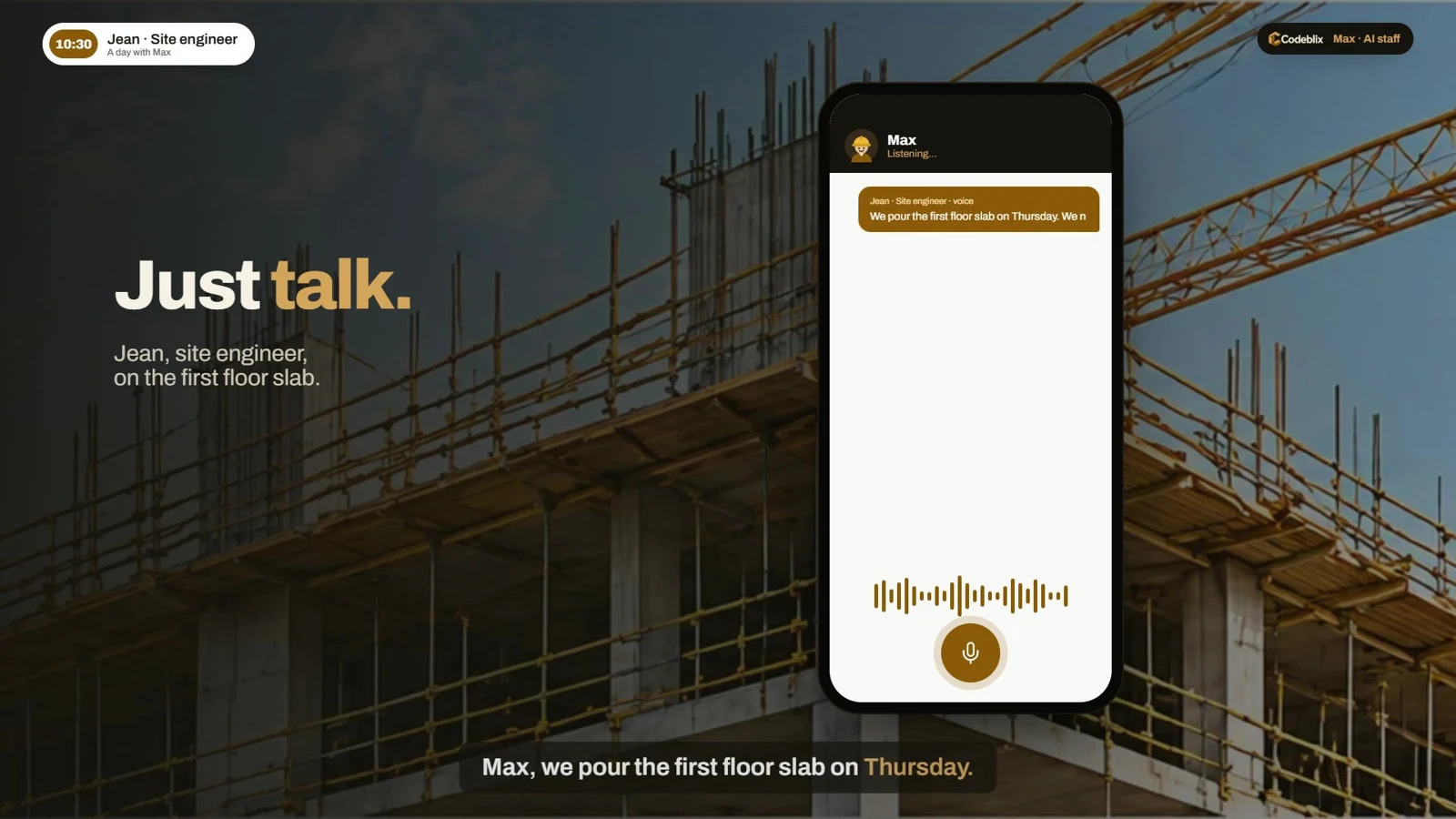
Turn a site question into a reviewed material request.
Ask how much of a material remains in the BOQ allowance. Max can prepare a requisition within the remaining quantity, ready for the person to check and confirm.
Find requisitions, purchase orders, expected dates, goods received records and supplier invoice differences. The construction project and its source documents stay connected.
Explore construction work preparation →Construction accounting software
Bring the evidence into the month-end review.
Review possible duplicate supplier bills, differences between invoiced and delivered quantities, unmatched bank lines and supported withholding-tax exceptions. Findings give construction accounts staff the evidence and the place to investigate.
Ask about authorised profit-and-loss figures or inspect the chart of accounts. People decide what to correct, approve, post and pay through the normal construction accounting workflow.
Explore construction accounts checks →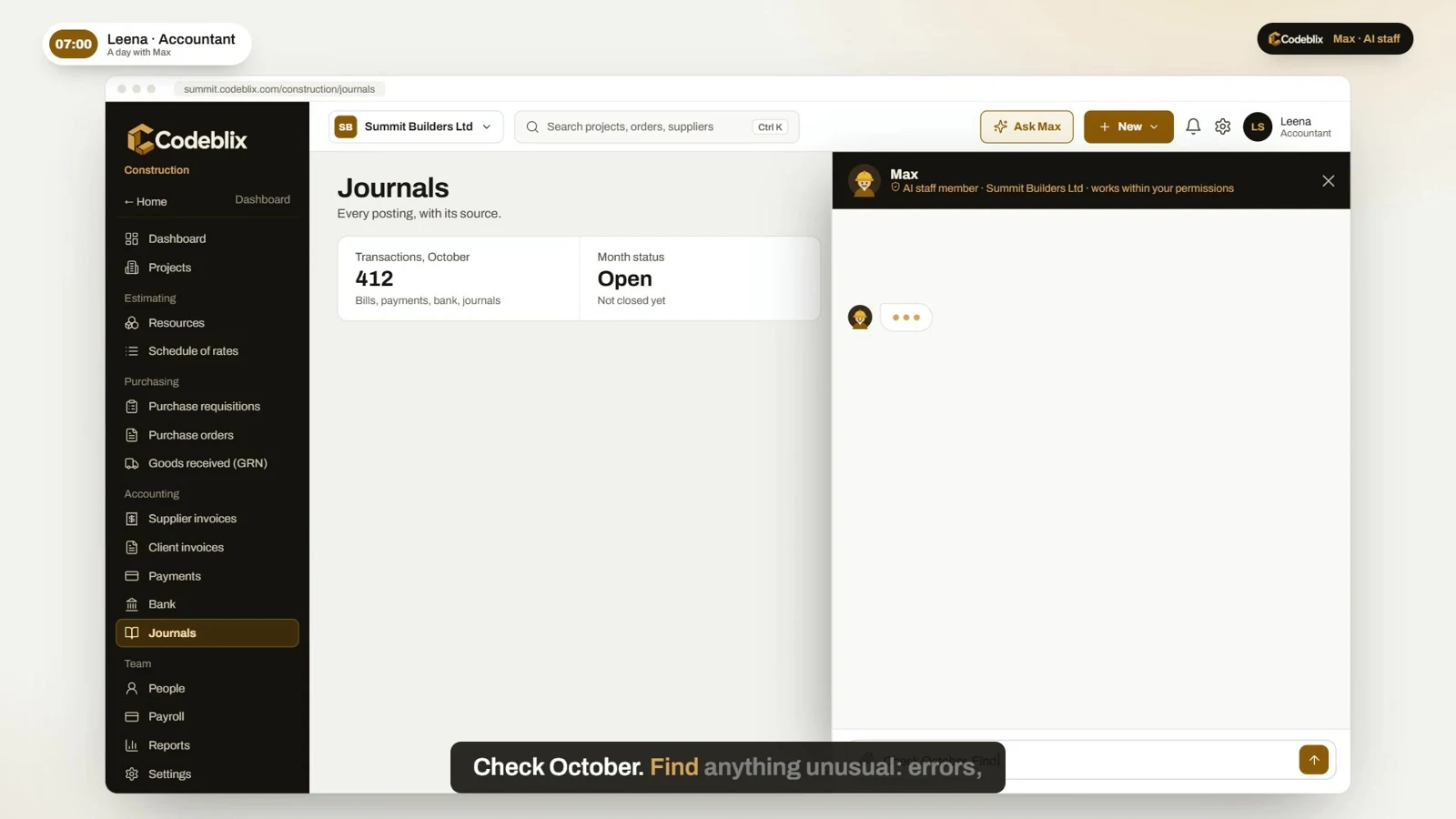
41 construction AI capabilities · 6 areas
Find where Max helps your construction team.
Explore project questions, BOQs, rates, site requests, construction documents and project accounts.
Set up Max for your construction company
Give the assistant a name, job title and profile image that your team recognises.
Explore 8 capabilitiesAsk about projects and purchasing
Read the dashboard, attention items and project financial summaries available to the person asking.
Explore 6 capabilitiesReview BOQs, rates and resources
Read a BOQ workbook and inspect its item rows before importing.
Explore 9 capabilitiesPrepare construction changes for confirmation
Prepare a requisition with quantities capped at the remaining BOQ allowance. A person reviews the card and confirms the next step.
Explore 6 capabilitiesWork with construction documents and reports
Ask questions about supported PDFs, spreadsheets, images, Word, PowerPoint and text documents.
Explore 6 capabilitiesReview construction accounts before month-end
Flag same-supplier invoice-number or amount patterns for review. A finding needs a person to investigate it.
ExploreConstruction document management software
Work with the documents behind the job.
Ask about supported PDFs, spreadsheets, photos, Word, PowerPoint and text inputs. Prepare tables, explanations and Excel, CSV, PDF, Word or text downloads from the information being reviewed.
Suitable files can be handed to Import with AI for a separate review. Generated downloads stay tied to the construction company and the person who requested them.
Explore construction document capabilities →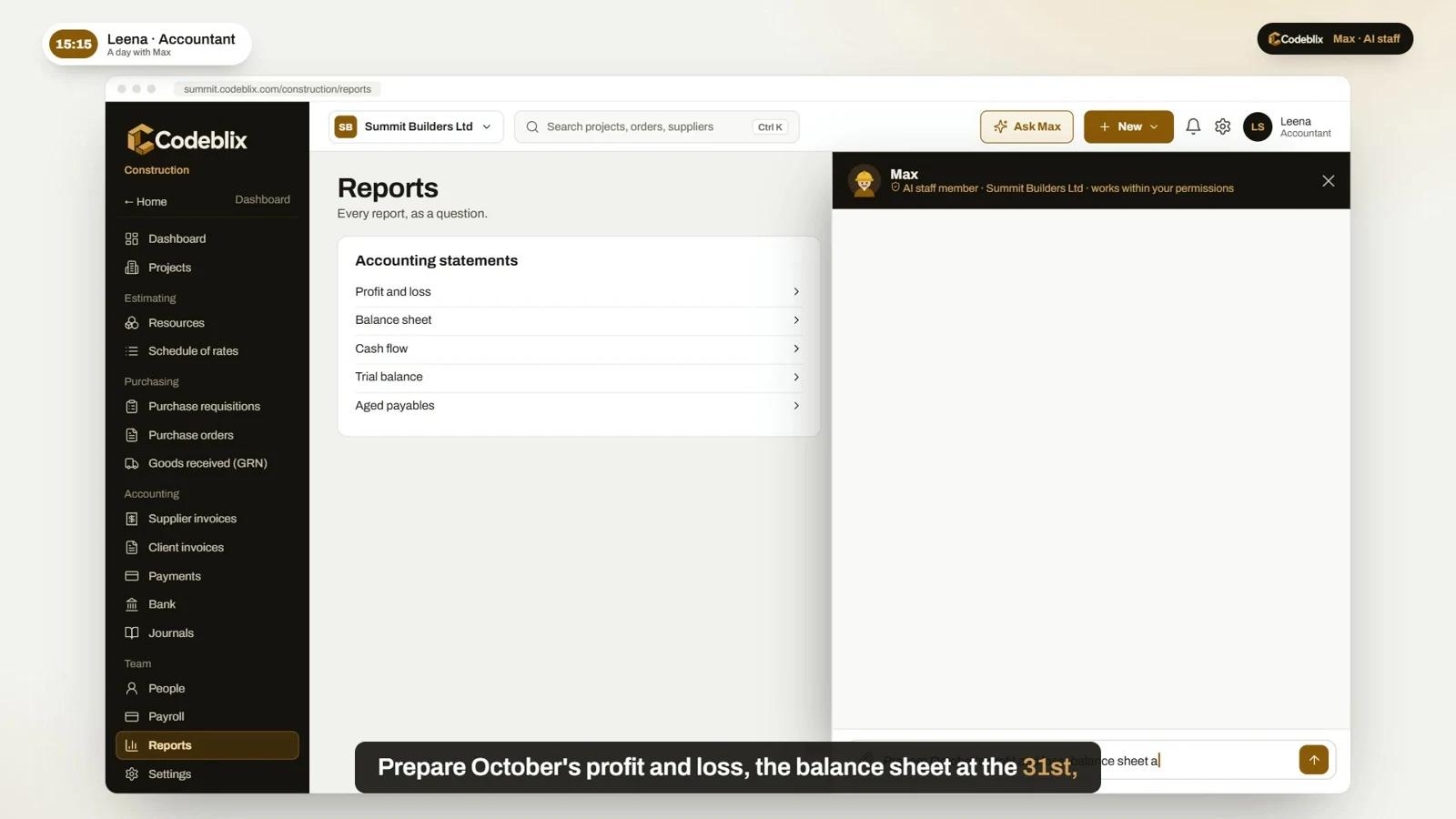
Meet Max · Construction product film · 13 minutes, 10 seconds
Follow one construction company through its day.
Meet the team at fictional Summit Builders. Follow estimating, BOQs, site requests, procurement, delivery records, supplier invoices, project accounts and reports, with Max alongside the construction staff.
The film combines supported construction assistant features with connected workflow illustrations. Full tender pricing, automatic orders, goods received creation, invoice posting, payment runs, PowerPoint board packs and overnight work are illustrated scenarios. The capability reference explains current supported actions.
Watch Max with the construction team →Plan Max for your construction company
Bring a BOQ, a site request or a project question.
Show us the construction work your team repeats. We will walk through the project records, permissions, documents and supported assistant actions for your company.
Book a construction demonstration →Who is Max for?
Max is AI staff for a construction company using Codeblix Construction. It helps directors, estimators, quantity surveyors, project managers, site engineers, buyers, storekeepers and construction accounts staff work with project information and documents.
How does Max help with BOQs and construction estimating software?
Review supported BOQ workbooks, flag missing rates or unclear units, search the construction company schedule of rates and resource library, read remaining material allowances and prepare supported BOQ revisions or line changes for confirmation.
Can Max prepare site material requests?
With the right access and company settings, Max can prepare a material requisition within the remaining BOQ allowance. The person reviews the quantities and confirms the next step through the normal construction workflow.
What construction accounting checks are included?
Review possible duplicate supplier bills, differences between invoiced and delivered quantities, unmatched bank lines and supported withholding-tax exceptions. Max can read authorised profit-and-loss figures and provide source evidence and links for investigation.
Does Max save, approve or pay without a person?
Supported proposals require confirmation. Construction purchasing approvals, supplier invoice posting, journals and payments follow the normal authorised workflows. Max follows the company and project access of the person asking.
How should I use the construction film and capability reference?
The film follows one construction company and illustrates a full working day. The capability reference lists 41 supported construction assistant capabilities. Wider tender pricing, automatic orders, deliveries, invoice posting, payment runs, PowerPoint board packs and overnight work are illustrated scenarios to discuss when planning your construction setup.
Where does Max fit in Codeblix Construction?
Start with the complete construction guide for the BOQ-to-cost workflow. The Meet Max film focuses on the AI staff member supporting that construction team. Both are in the Codeblix Construction playlist.
How much does construction AI staff cost?
Request a demonstration and quotation for your construction company, projects, enabled modules and assistant scope. The film uses fictional salary and transaction amounts; these are not a subscription price or guaranteed saving.