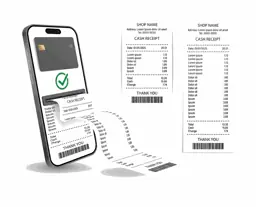
The whole project, from the BOQ to its costs.
Explore 180 capabilities across estimating, procurement, deliveries, claims, accounting and reporting. Start with the new complete construction guide.
 Watch the new complete construction guide

 MRA-listed provider · SN 95
Codeblix Ltd is an MRA-listed EBS provider. Create fiscal invoices in Codeblix or connect your supported POS system or accounting software, including QuickBooks, Xero and Tally. Batch imports and local technical support are included in your agreed monthly EBS price.
New to e-invoicing? Watch MRA’s explanation →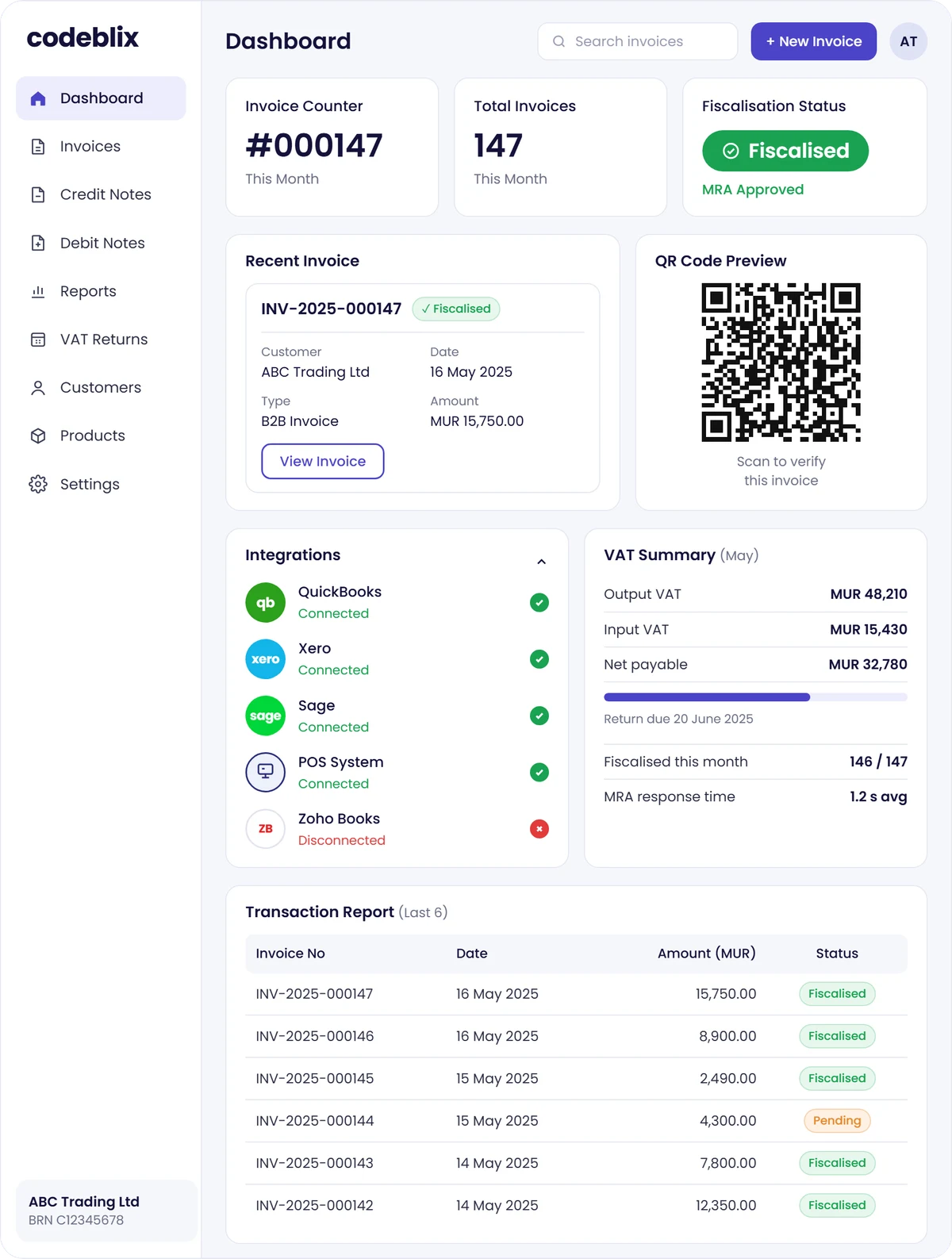
 MRA ListedProvider SN 95
Find apps for ordinary business invoicing, accounting, stock and construction workflows. Compare the scope and calculate a monthly app estimate.
Understand e-invoicing · MRA video
New to e-invoicing? Start with the Mauritius Revenue Authority’s video, ‘Tout savoir sur le e-Invoicing’, then explore what it means for your business.
Video by the Mauritius Revenue Authority. Codeblix helps businesses set up and use an MRA-compliant billing system.
Watch on YouTube →MRA e-invoicing · Mauritius
Create fiscal invoices, import a batch and connect the software you already use.
Your monthly price reflects invoice volume, processing needs and the complexity of using or connecting your current system. We agree your price before activation.
Fiscalisation with the MRA reference and QR code after successful onboarding and LIVE activation.
Create and manage your fiscal documents in one place.
Fair use applies. Invite your team and accountant with controlled access.
Read PDF, photo and Word invoices into editable drafts. Included on activation; review every invoice before submission.
Queue PDF, JPG, PNG, WEBP or DOCX files, one invoice per file, up to 10 MB each. AI files are read one at a time.
Import CSV, TSV or TXT files. Save Excel and Google Sheets exports as CSV first.
Supported accounting connections and setup help included. Keep your existing software.
Connect a compatible billing system, ERP or POS after a technical review.
Keep customer details and put your company identity on invoice PDFs.
Review currency, exchange rates and invoice history for your business.
Chrome extension, required test scenarios and Codeblix LIVE activation support included.
Help with setup, imports, connections and invoicing by phone or WhatsApp.
Unlimited invoices cover normal business use within your agreed processing scope. Bulk imports and AI reading are processed within service capacity; file and provider usage limits apply. If your invoice volume, processing needs or system connection changes substantially, we review the scope with you and agree any subscription change before it takes effect, within MUR 970–2,000 per month. There are no automatic per-invoice overage charges.
QuickBooks Online, QuickBooks Desktop, Xero and Tally have documented connection workflows. Other accounting, ERP and POS systems connect through a suitable API or file export after a technical review. Existing third-party software subscriptions are separate. Codeblix Platform apps and AI Receptionist are separate products.
Full pricing, features and questions →Codeblix EBS · Mauritius
Our Chrome extension automates MRA setup, and Codeblix runs the required test scenarios for your business. Sign in with your MRA account, approve your business details and follow the progress on screen.
From MUR 970 / month · up to MUR 2,000
Codeblix EBS starts at MUR 970 total per month per company, with a maximum of MUR 2,000 per month. No VAT is added. The price depends on invoice volume, processing needs and your current system or integration complexity. All EBS features, supported integrations, unlimited users and technical support are included in your agreed subscription. No onboarding fees or additional Codeblix EBS fees. Unlimited invoices are subject to fair use.
Self-onboarding comes with help when you need it. Contact Codeblix for support with setup, your software connection or invoicing.
Have a custom POS or a workflow you want us to review? Tell us which system you use and we will help you choose the right connection.
Call or WhatsApp +230 5754 0522
Explore 180 capabilities across estimating, procurement, deliveries, claims, accounting and reporting. Start with the new complete construction guide.
Watch the new complete construction guide
AI staff for construction: review BOQs and rates, prepare site material requests, find purchasing records and check project accounts. Watch Max work with a construction company and explore 41 supported capabilities.
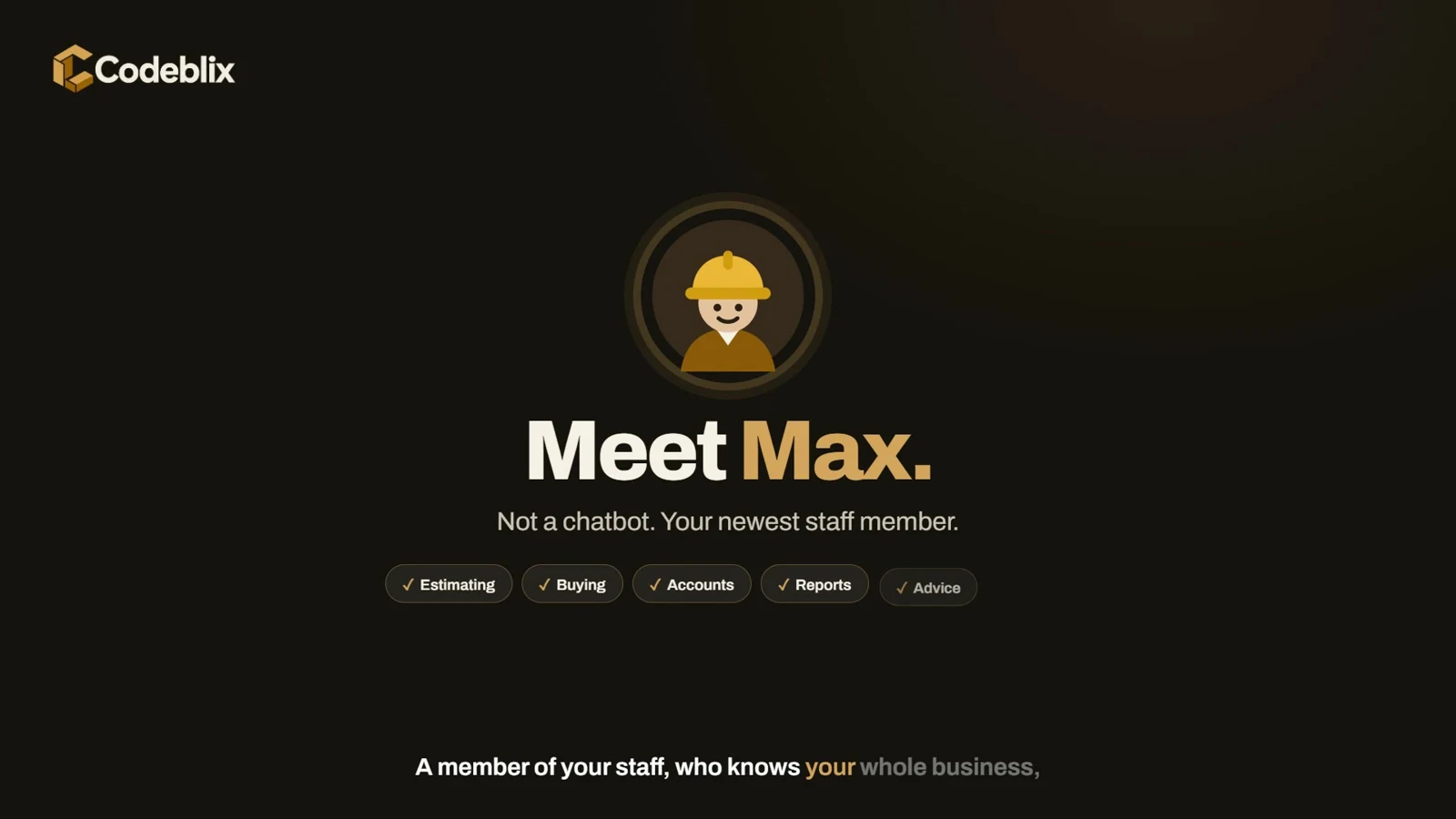 ▶Watch Max with the construction team
Watch the complete illustrated guide and explore 128 documented app workflows, plus 12 labelled planned scenarios. Follow people records, payslips, bank preparation and MRA returns.
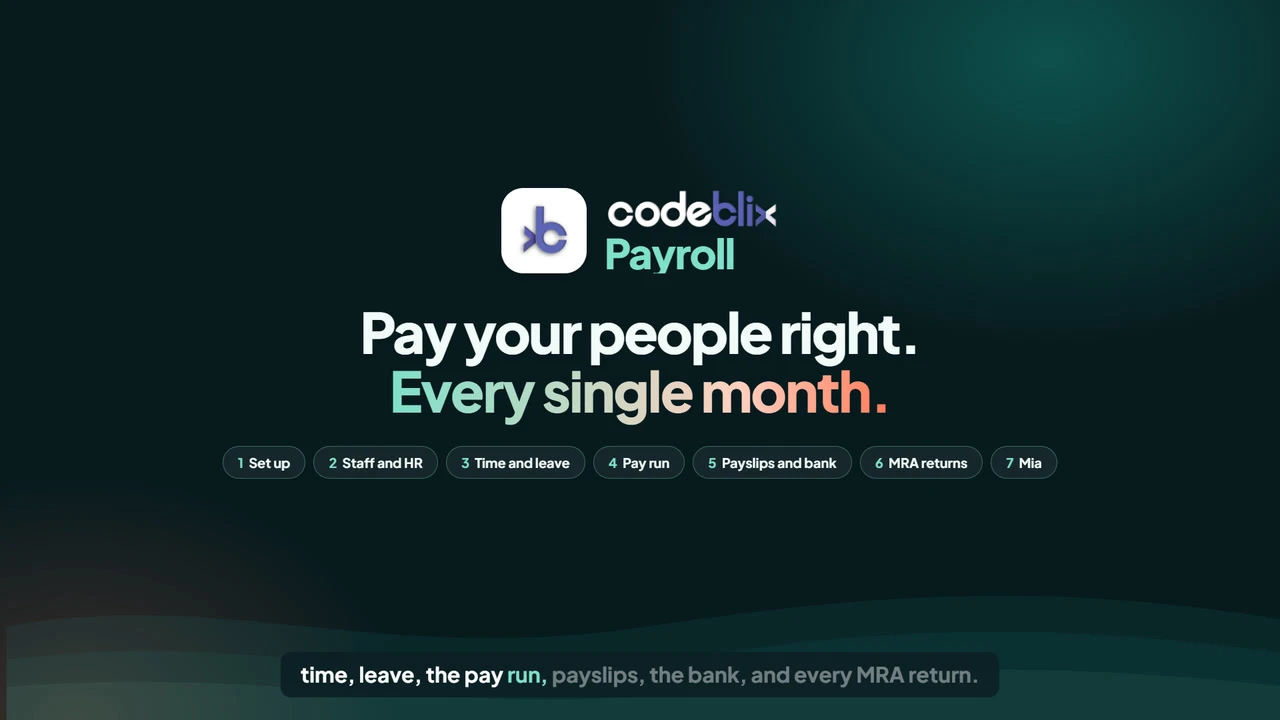 Watch the complete payroll guide
Watch the complete illustrated guide and explore 172 documented app workflows, plus eight labelled illustrated or optional additions. Follow customer orders, purchasing, batch stock, routes, cash-in and company reports.
 Watch the complete warehouse guide
Barcode checkout, purchasing, stock transfers, cash shifts, accounting and reporting. Explore 122 capabilities or follow the six-minute owner’s guide.
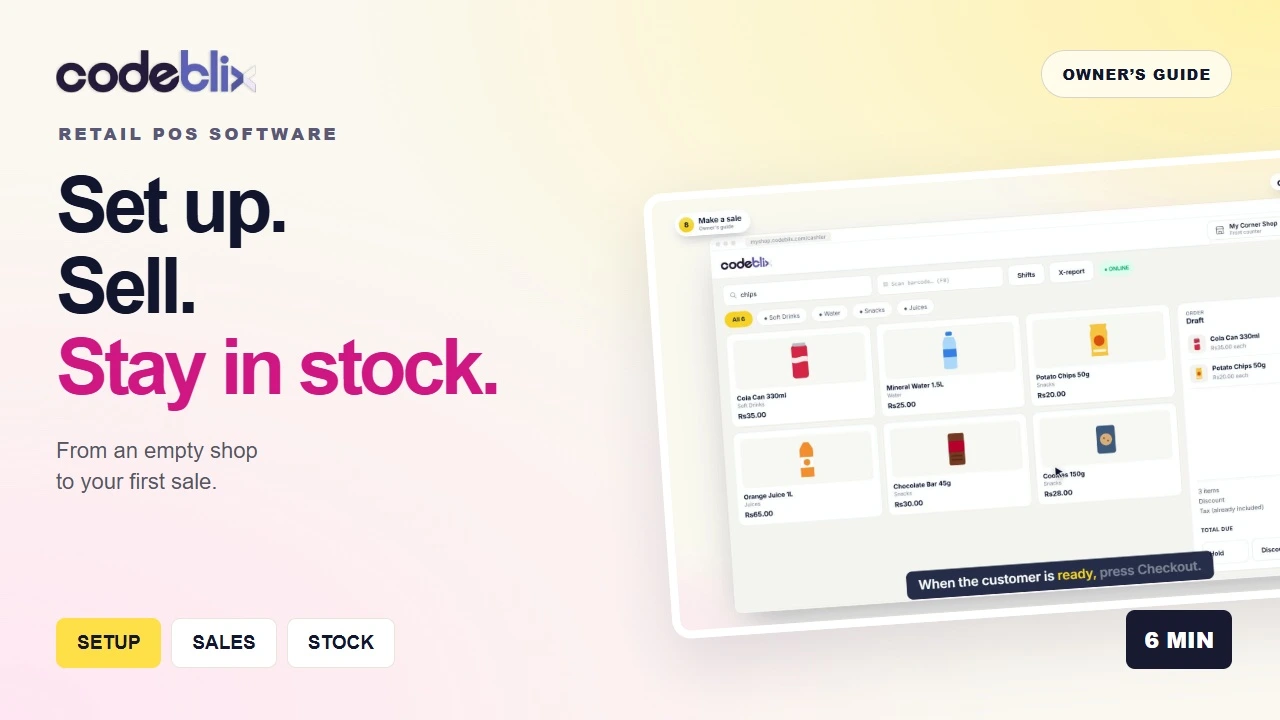 Watch setup, your first sale and stock reports
Explore restaurant POS software with floor plans, waiter ordering, kitchen displays, split bills, recipe costs and accounts. Learn the workflow through 17 videos and browse 202 capabilities.
 ▶17 videos, organised around your team
An AI answering service using your approved business information, English/French conversations and confirmed callback messages. Explore the workflow, hear the demonstration and get a quote for your business setup.

Products, purchases, sales and stock records in a focused inventory module. Follow the cycle into linked accounts, connect Codeblix EBS for MRA e-invoicing and shape the workflow around your business.
Additional stock workflows, reports and connections can be customised to your requirements.
 Watch products → purchases → sales → stock → accounts
Explore a proposed travel-agency workflow for enquiries, quotations, itineraries, bookings, supplier records and accounts. Watch the film, then shape the build around your agency.
 Enquiry → quote → booking → travel → welcome home
Codeblix EBS video tutorial · Mauritius · Version 2
Create, approve, fiscalise and share a QR-code invoice. The latest guide also covers your Overview, user roles, VAT sales, the MRA queue and accounting connections.
4 min 29 sec · Published 27 October 2026 · Demo company and sample invoices.
Codeblix EBS video tutorial · Mauritius
Upload CSV, TSV or TXT invoice exports into Codeblix EBS, check column matches and totals, save drafts and review an invoice for fiscalisation. Save Excel or Google Sheets exports as CSV first.
1 min 12 sec · Published 16 October 2026 · Demo company and sample invoices.
Integrations
Supported Codeblix EBS connections are included in your agreed subscription, from Rs 970 to Rs 2,000 per month. The price reflects your invoice volume, processing needs and system complexity. Your existing software subscription remains separate.










QuickBooks, Xero and Tally have dedicated guides. For Sage, Zoho, Dynamics, Odoo, SAP, NetSuite and other POS systems, we review API or export access before confirming the connection.
Explore integrations →Upload. Review. Save your invoice.
Included in your EBS plan on activation. Select multiple files and review each result. Uploading a file does not send it to MRA.
Take a photo or upload
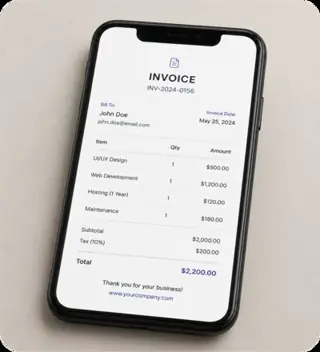
AI reads and understands
Check the details before you save
Manual vs Codeblix

Create fiscal invoices through a workflow designed to retain the IRN, QR code and transmission result.

Queue eligible invoices when connectivity is unavailable and review their status before transmission resumes.

Give staff and accounting reviewers controlled access to the records needed for day-to-day operations.
No. If you can use WhatsApp, you can use Codeblix.
Check the invoice status and MRA queue. A pending record has not reached confirmed fiscalisation. Follow the existing submission and retry process before issuing another invoice.
Yes. Invite your accountant with controlled access.
Codeblix reduces admin work, but your accountant can still review and advise.
Codeblix EBS starts at MUR 970 total per month per company, with a maximum of MUR 2,000 per month. No VAT is added. The price depends on invoice volume, processing needs and your current system or integration complexity. All EBS features, supported integrations, unlimited users and technical support are included in your agreed subscription. No onboarding fees or additional Codeblix EBS fees. Unlimited invoices are subject to fair use.
HTTPS protects data in transit, access is role-controlled, and data-handling terms are confirmed during onboarding.
Codeblix self-onboarding for MRA e-invoicing in Mauritius is 100% automated. EBS subscriptions start at MUR 970 per month, with a maximum of MUR 2,000 based on invoice volume, processing needs and current system or integration complexity. Your monthly price is agreed before activation. The Chrome extension automates the MRA setup workflow, Codeblix runs the required test scenarios, and technical support is included when you need help. Your authorised person signs in and approves the company declaration. See the onboarding steps.
Start 100% automated self-onboarding
Codeblix Ltd · Provider SN 95

Codeblix in the media
Watch a one-minute introduction to Codeblix and the practical business technology we are building for Mauritian organisations.
Watch on YouTube →Review invoice entry, approvals, imports and fiscalisation.
See the Rs 970–2,000 monthly range and what determines your price.
Understand setup, your authorised MRA access and LIVE activation.
Review the documented accounting and billing connections.
Your developer can send invoices, credit notes and debit notes from your software to the Codeblix API. After successful live fiscalisation, it returns the MRA IRN and QR image. Keep your invoice numbering and branded layout. Codeblix remains your EBS provider, and each issuing business completes its own MRA onboarding.
Start with a simulated sandbox that does not submit invoices to MRA. Live access follows MRA onboarding and activation.
QuickBooks Desktop · Codeblix EBS
Start with Version 2: set up Web Connector, enable scheduled invoice sync and find the fiscal PDF with its QR code. Earlier topic guides remain available below. Find the guide for your Desktop backup, connection setup, invoice review, daily sync or support question. Each video has a dedicated watch page, timed chapters and an English transcript. The returns guide explains credit memos, original invoice references, quantity corrections and exchanges.
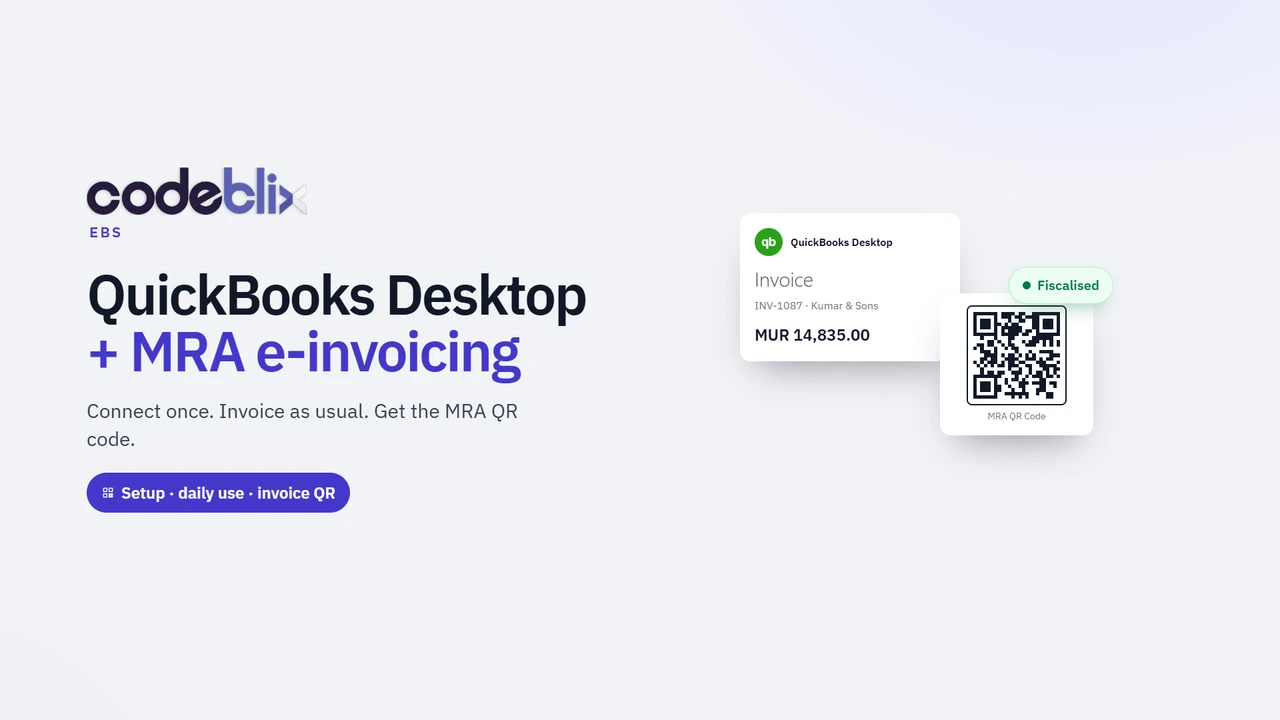
QuickBooks Mauritius, Version 2: set up Desktop Web Connector, download the QWC file, enable automatic invoice sync and obtain the MRA fiscal PDF with its QR code.
Watch with chapters and read the transcript →
Create a QuickBooks Desktop credit memo for returned goods. Use Memo format Inv 1101 - reason, correct quantities before saving and check the original invoice IRN.
Watch with chapters and read the transcript →
Check your QuickBooks Desktop version and create a company-file backup before Codeblix setup. Recorded with the Enterprise 24.0 trial and sample data.
Watch with chapters and read the transcript →
See the Codeblix Connector remote-support setup flow. This support tool is separate from Intuit QuickBooks Web Connector, which exchanges invoice data.
Watch with chapters and read the transcript →
Watch QuickBooks Web Connector installation on Windows. This demonstration uses the Desktop 2024 build; confirm compatibility with your own edition.
Watch with chapters and read the transcript →
Add a company QWC file, review permissions and run a manual QuickBooks Web Connector exchange. The demo uses localhost; production uses approved HTTPS.
Watch with chapters and read the transcript →
Accountant training: review company identity, buyer profiles, tax mappings and workflow settings before a QuickBooks Desktop e-invoicing exchange.
Watch with chapters and read the transcript →
Accountant training: review a QuickBooks source invoice, processing holds and a DEMO ONLY fiscal PDF. The example does not demonstrate MRA acceptance.
Watch with chapters and read the transcript →
See the QuickBooks Desktop daily invoice-sync routine and a demo fiscal PDF. A completed Web Connector exchange does not establish MRA acceptance.
Watch with chapters and read the transcript →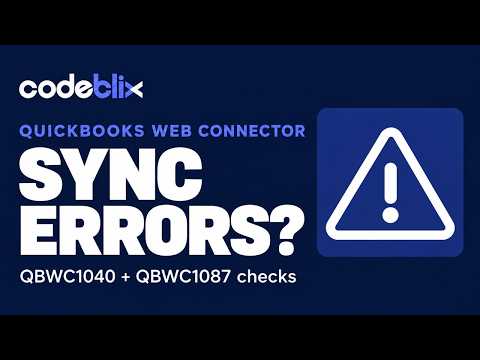
Review QBWC1040, QBWC1087, company-file and mismatch messages. Learn initial checks and what to report to support without recreating invoices.
Watch with chapters and read the transcript →