
Codeblix Payroll · Mauritius
From your first employee to a reviewed pay run.
Payroll software for Mauritius, explained through the people, time, leave and pay records behind each month. Explore employee records, payslips, PAYE, CSG, NSF, PRGF and the MRA return workflow.
Explore the full workflow reference →The guide is an animated intended-interface walkthrough. The reference distinguishes 128 documented app workflows from 12 planned illustrated scenarios. Confirm enabled features and implementation scope with Codeblix.
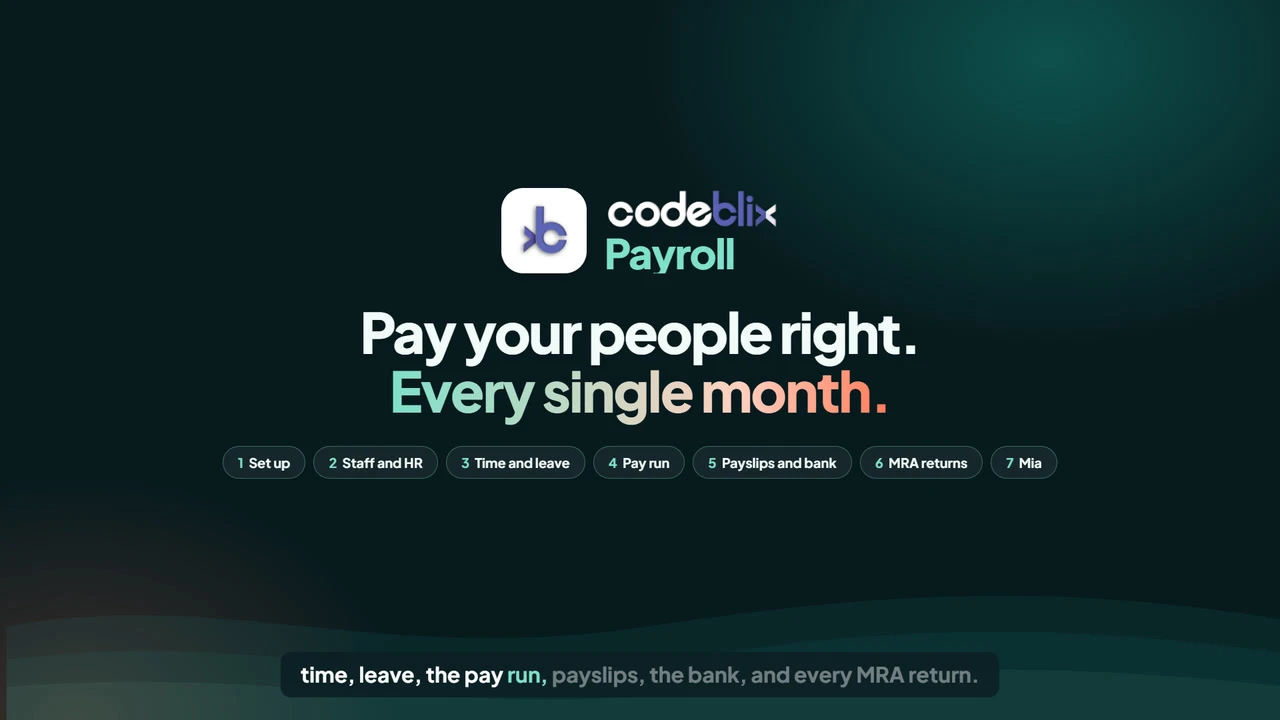 Start here: the complete payroll guideCompany setup → staff → time and leave → pay run → outputs
- Employee records
- Leave management system
- Time and attendance
- Payslips and pay review
- MRA return preparation
HR and payroll software
Make the monthly handover easier to follow.
- 01
Keep people records current
Review employment changes, compensation, tax facts and the evidence behind them.
- 02
Review time and leave
Check attendance, timesheets and leave records before using approved inputs.
- 03
Prepare and approve pay
Review earnings, deductions, employer costs and changes from the previous run.
- 04
Prepare outputs and retain proof
Follow payslips, bank preparation, accounting and the external MRA filing process.
Payroll management software
Understand what changed before approving pay.
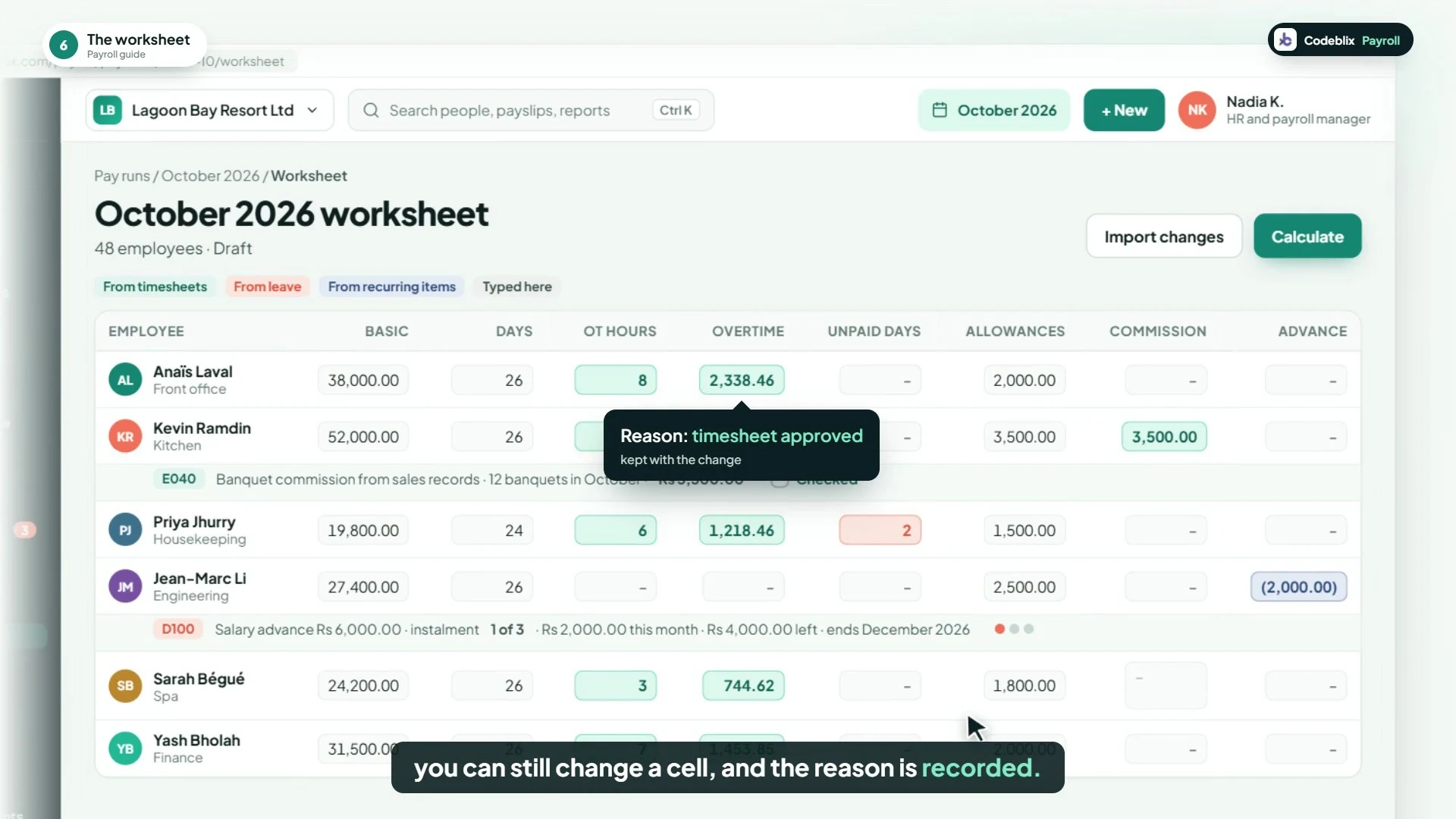
A salary change, a different tax fact or an additional earning should have a source you can review. Follow the inputs, component lines, exceptions and comparison with the previous run.
- Dated compensation and employment payroll facts.
- Reviewed recurring assignments and input imports.
- Pay variance and source exception checks.
- Preparation, approval and correction history.
140 reference entries · 13 areas
Explore payroll and the HR work around it.
Browse 128 source-documented app workflows, plus 12 separately labelled planned illustrations. Company configuration and enabled functionality form part of the agreed setup.
Company setup, pay groups and access
Set the employer context, pay structure and review responsibilities before preparing a run.
Explore App workflow reference · 12Employees, compensation and tax facts
Keep employment records and dated payroll facts connected to their review history.
Explore App workflow reference · 10Documents, probation and employee requests
Follow employee evidence, review tasks and changes alongside the payroll record.
Explore App workflow reference · 10Attendance, rosters and timesheets
Review time records and their sources before using approved information in payroll.
Explore App workflow reference · 10Leave policies, balances and review
Follow the type, policy, source and review behind employee leave.
Explore App workflow reference · 10Pay items, recurring amounts and imports
Prepare the period's earnings and deductions with reviewed source information.
Explore App workflow reference · 12Calculation, run checks and approval
Review inputs, calculated amounts and exceptions before the authorised payroll decision.
Explore App workflow reference · 8Payslips, packs and employee access
Prepare payroll documents and give employees access to their own approved records.
Explore App workflow reference · 10Bank preparation, settlement and accounting
Keep preparation, human approval and recorded settlement as distinct steps.
Explore App workflow reference · 12Monthly MRA and PRGF return preparation
Prepare return files, review identities and retain submission evidence; filing takes place on the relevant external portal.
Explore App workflow reference · 12Annual documents, opening history and corrections
Keep annual source records and later corrections connected to the payroll history they explain.
Explore App workflow reference · 10Training, performance and employee exits
Keep wider HR records and the review trail behind changes that may affect payroll.
Explore Planned illustrations · 12Additional illustrated guide scenarios
These sequences explain the intended experience in the animated guide. They are planned illustrations, not a promise of currently enabled functionality.
Explore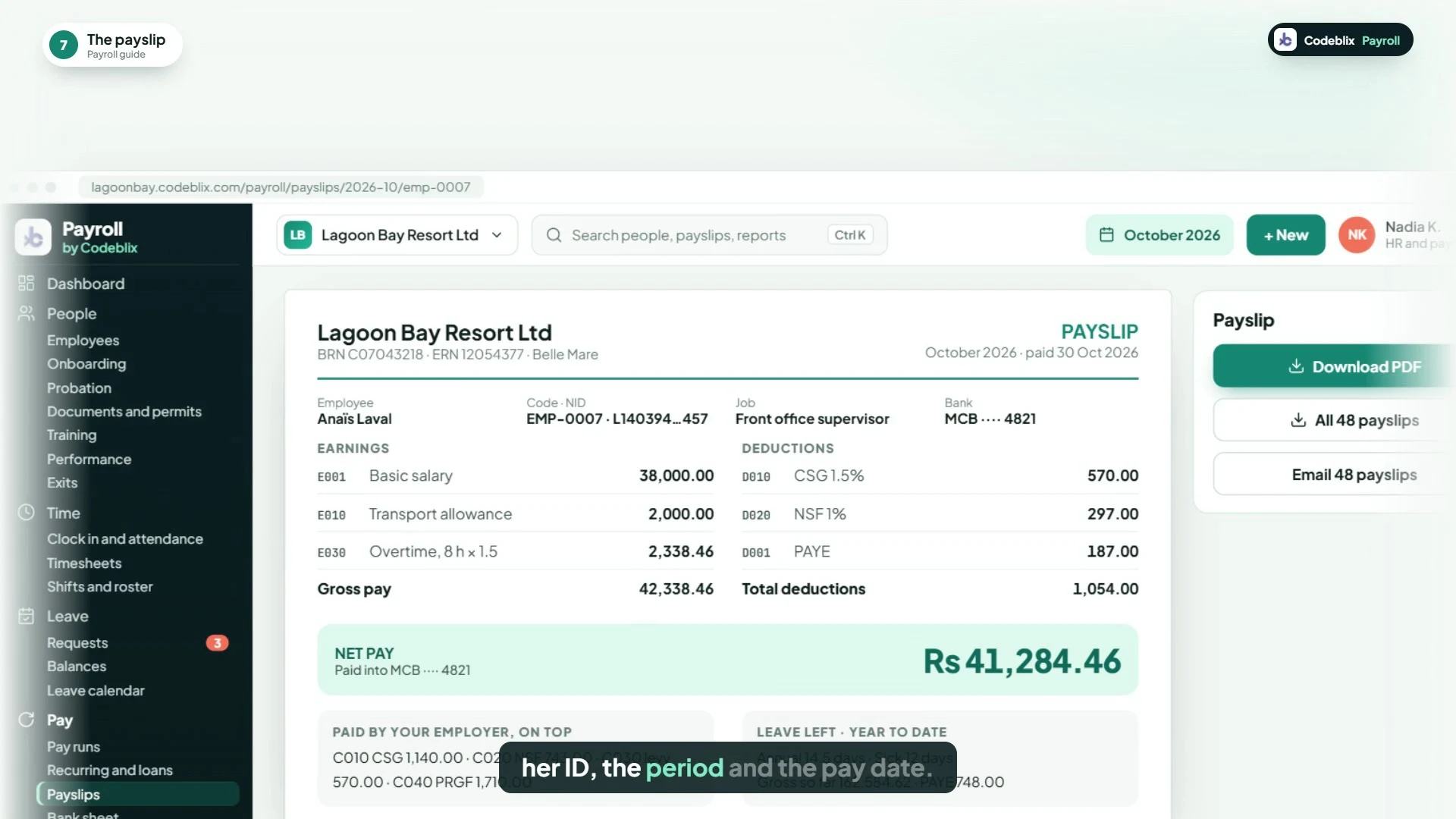
Payslip software and payroll accounting
Follow the pay run into its documents.
Explore payslip previews, individual documents, document packs and employee access to their own records. Then follow the preparation and approval steps behind bank instructions and payroll accounting.
Authorised people complete bank transfers and MRA submissions through the relevant external portal. The guide does not demonstrate a direct filing connection.
See bank and accounting workflows →The complete illustrated guide
Follow a month at Lagoon Bay Resort.
Meet Nadia, the fictional payroll manager, and follow the illustrated company from setup through the monthly cycle. Jump to a topic, read the transcript or browse the wider capability reference.
Meet Mia in the guide
Staff ask. Managers decide.
The planned Mia scenes illustrate a payroll question, an explanation of a fictional deduction change and a leave request prepared for a manager. The intended assistant works within permissions, with human decisions retained.
These assistant, mobile clock-in and staff dashboard sequences describe an intended experience. Discuss the AI and employee-service workflows included in your implementation with Codeblix.
Watch the illustrated Mia scenarios →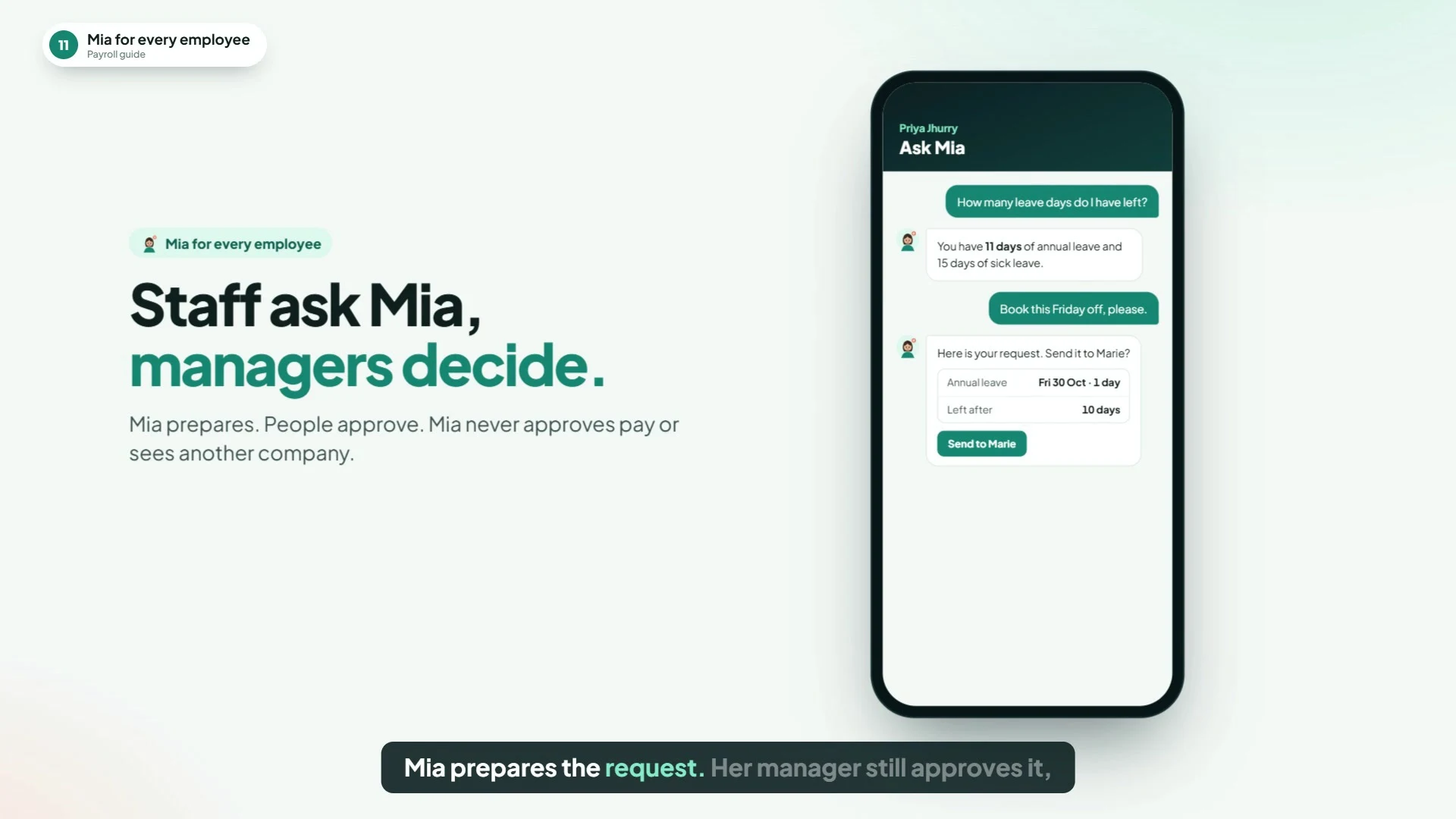
Plan your payroll setup
Bring your pay calendar and monthly checklist.
Tell us about your staff, pay groups, existing data, leave rules, approvals, bank requirements and reporting. We will review the relevant workflows and agree the implementation scope.
Book a payroll demonstrationWhat does the payroll guide cover?
Company setup, employees, documents, probation, time, leave, monthly pay, payslips, bank preparation, accounting, statutory returns, HR records and the illustrated Mia assistant. It uses fictional records and the intended interface.
Are all illustrated screens currently enabled?
The reference separates documented app workflows from planned illustrated scenarios. Confirm the enabled modules, employee access, automation and bank formats with Codeblix as part of your implementation scope.
Does Codeblix submit MRA returns or transfer salaries automatically?
The workflow prepares files and records review and evidence. Authorised people upload the required files and complete submissions or payments through MRA e-services, MNS or the relevant bank portal.
Can employees see their own payslips?
The application source includes employee-scoped payslip and annual-statement access. The combined dashboard shown in the guide is an intended-interface illustration; confirm the employee-service setup for your company.
Which statutory examples need clarification?
The watch page explains the tax-band graphic, no-EDF threshold, maternity-leave example and annual reporting-period illustration, with official MRA and Labour references. Apply current rules and the employee's actual facts when preparing payroll.