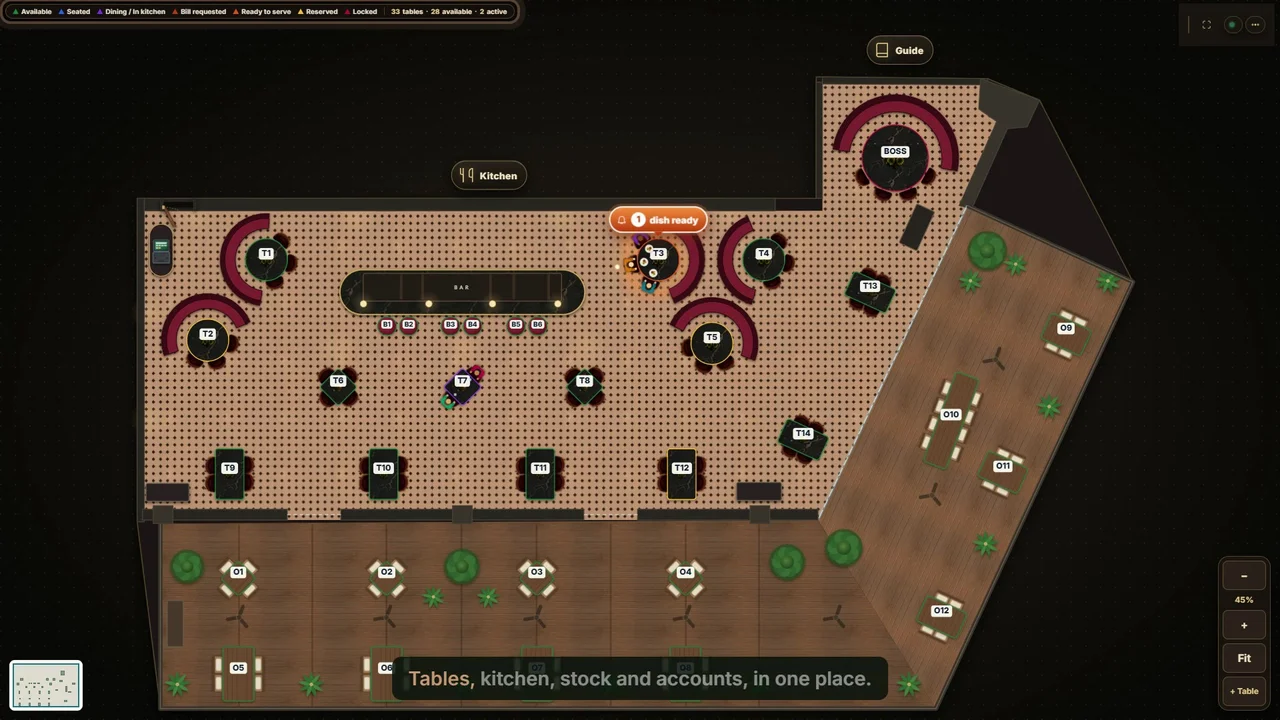
Meet Codeblix Restaurant | Codeblix Restaurant
7 secMeet Codeblix Restaurant, the restaurant management system connecting table service, kitchen orders, inventory and accounts.
Watch the recorded walkthrough →
Follow a business workflow or explore a recorded product example. Choose a topic below; each video opens on its own watch page.
New: restaurant POS training — 17 videos organised by role and workflow →
Practical Codeblix walkthroughs showing the workflow and product version recorded.
Meet Codeblix Restaurant, the restaurant management system connecting table service, kitchen orders, inventory and accounts.
Watch the recorded walkthrough →
Set up staff accounts, choose roles and permissions, deactivate users and review second-person approvals and the activity history.
Watch the recorded walkthrough →
Build menu categories and dishes, add required order choices, set allergens and availability, and route items to kitchen and bar stations.
Watch the recorded walkthrough →
Take bookings, track arrivals and no-shows, seat guests, manage group deposit rules and approve event menus.
Watch the recorded walkthrough →
Arrange the restaurant floor, seat walk-ins, join tables, transfer guests and follow table and dish status during service.
Watch the recorded walkthrough →
Take table orders, choose courses and timing, add kitchen notes, update sent dishes and serve food before requesting the bill.
Watch the recorded walkthrough →
Follow orders from the waiter to station screens, filter kitchen and bar tickets, start preparation and mark dishes ready for service.
Watch the recorded walkthrough →
Open a cashier shift, request and split the bill, record cash or manual card payments, add tips and close the drawer with X and Z reports.
Watch the recorded walkthrough →
Understand the restaurant's local server, register terminals, configure station printers and review print queues, connection status and backups.
Watch the recorded walkthrough →
Create suppliers and purchase orders, attach delivery invoices, receive goods in full or in part, and follow stock and supplier balances.
Watch the recorded walkthrough →
Set reorder levels, prepare supplier quotation requests, compare recorded supplier prices, create draft purchase orders and record returns.
Watch the recorded walkthrough →
Review stock quantities and costs, use purchasing and recipe units, post stock counts and approve waste with a complete movement history.
Watch the recorded walkthrough →
Build recipes from ingredient quantities, review cost and margin, keep recipe versions and compare theoretical use with actual stock movement.
Watch the recorded walkthrough →
Check live sales and owner dashboards, review dish performance, export management reports and follow notifications and user activity.
Watch the recorded walkthrough →
Review the chart of accounts and automatic journal postings, record expenses, configure business mappings and manage opening balances and fiscal periods.
Watch the recorded walkthrough →
Post balanced journals, reverse entries, read financial statements, export reports and prepare account mappings for the accountant.
Watch the recorded walkthrough →
Follow the restaurant's daily opening, service and closing routine, plus weekly inventory checks and monthly financial review.
Watch the recorded walkthrough →Practical Codeblix walkthroughs showing the workflow and product version recorded.
Follow Codeblix Warehouse through customer calls, prices, orders, batch stock, purchasing, route planning, delivery, cash-in and company accounting. Watch with chapters and an English transcript.
Watch the recorded walkthrough →Practical Codeblix walkthroughs showing the workflow and product version recorded.
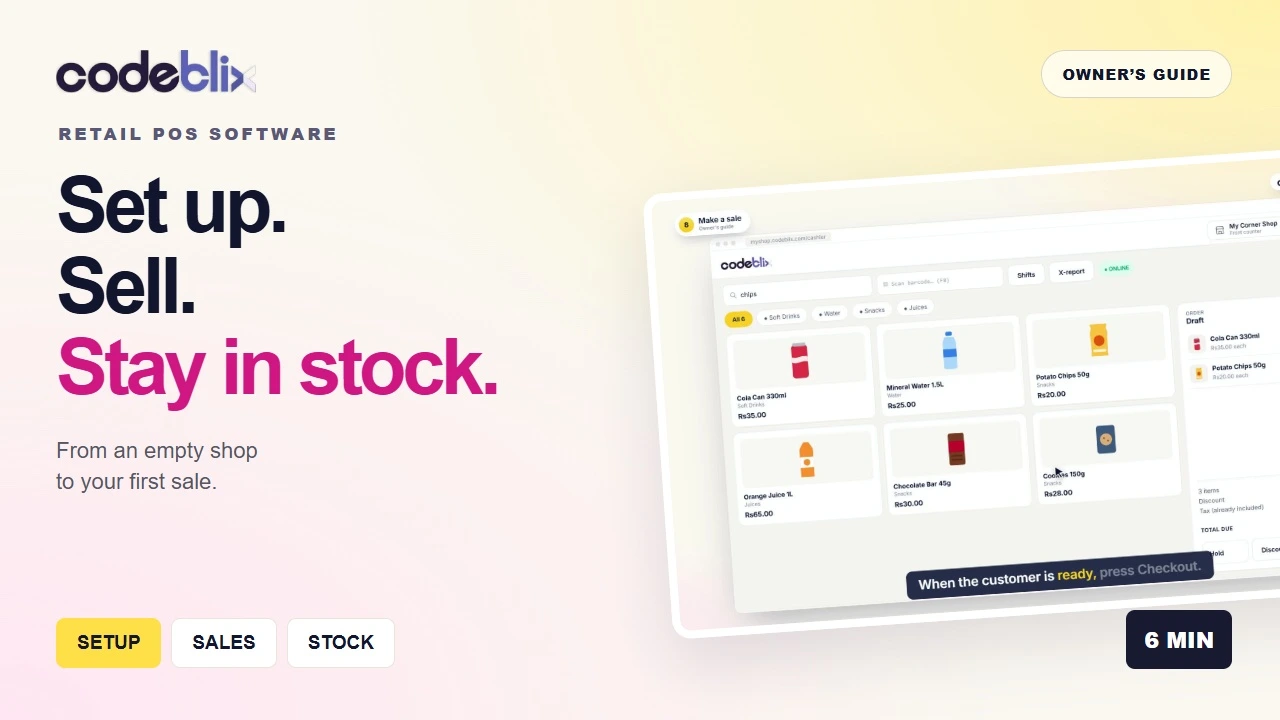
Learn how to use Codeblix retail POS software in Mauritius: set up your shop, add products and barcodes, receive stock, make a sale and review cash shifts and reports.
Watch the recorded walkthrough →Practical Codeblix walkthroughs showing the workflow and product version recorded.
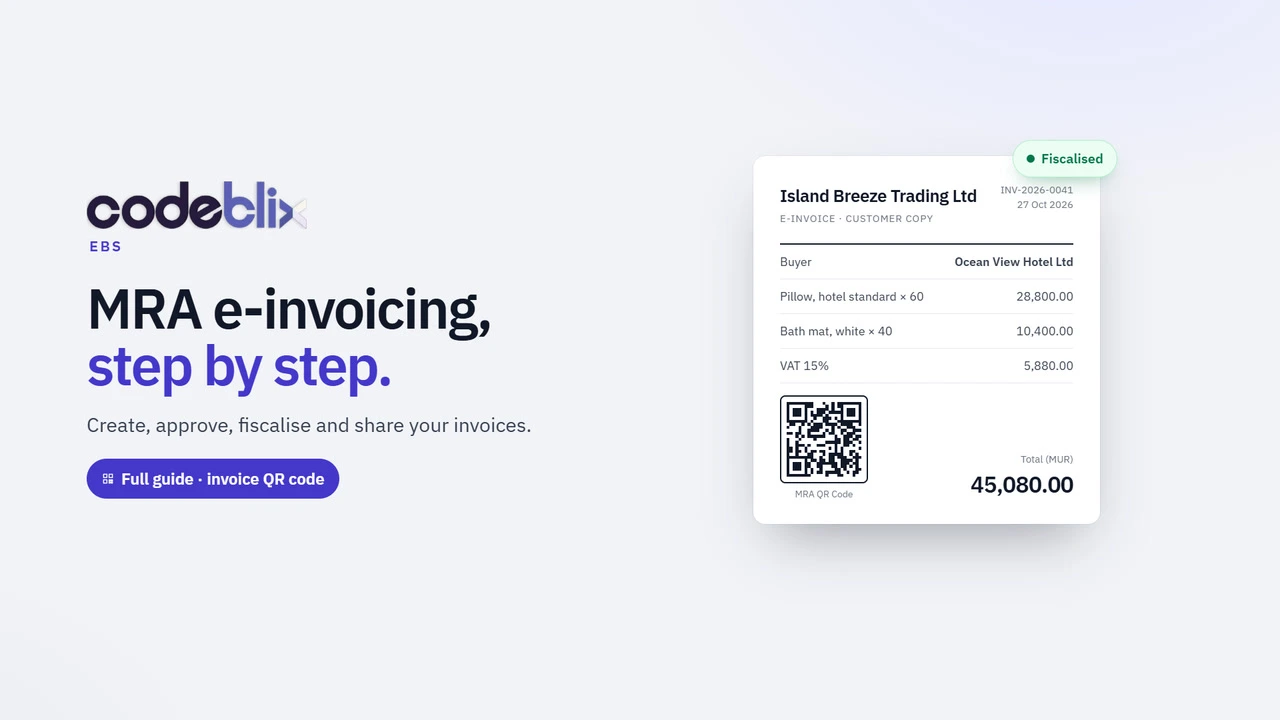
MRA e-invoicing Mauritius, Version 2: create an invoice, review approval roles, fiscalise with Codeblix EBS, then download, print or email the QR-code PDF.
Watch the recorded walkthrough →
Import CSV, TSV or TXT invoices into Codeblix EBS: match columns, review totals, save drafts and fiscalise. Save Excel or Google Sheets exports as CSV first.
Watch the recorded walkthrough →
Learn MRA e-invoicing in Mauritius: create an invoice, save a draft, fiscalise, download the fiscalised PDF, and create credit or debit notes in Codeblix EBS.
Watch the recorded walkthrough →
Install the Codeblix EBS invoice app on Windows with Chrome or Edge. Pin it to your taskbar and reopen your MRA e-invoicing workspace in one click.
Watch the recorded walkthrough →
Add the Codeblix EBS invoice app to your Mac Dock with Safari, or install it with Chrome. Follow the video and read the step-by-step transcript.
Watch the recorded walkthrough →
Add Codeblix EBS to your iPhone or Android home screen. Open your mobile invoicing app, create an invoice and follow the MRA fiscalisation workflow.
Watch the recorded walkthrough →Practical Codeblix walkthroughs showing the workflow and product version recorded.
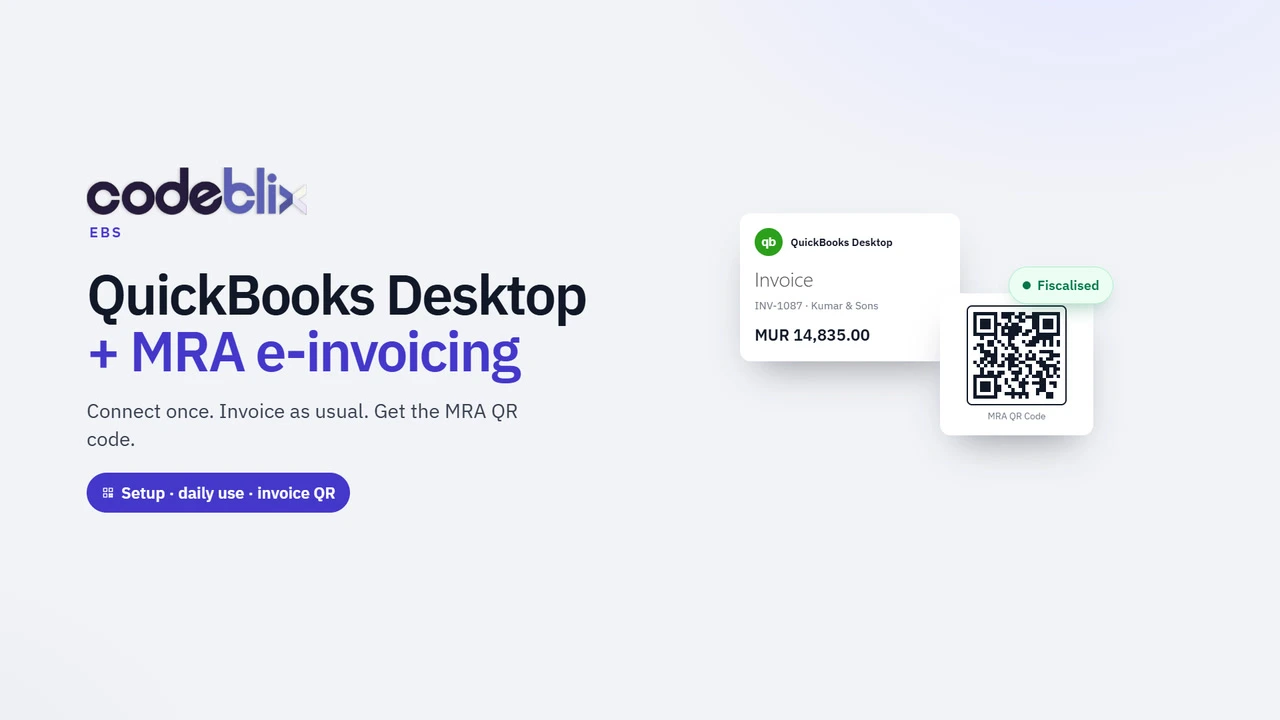
QuickBooks Mauritius, Version 2: set up Desktop Web Connector, download the QWC file, enable automatic invoice sync and obtain the MRA fiscal PDF with its QR code.
Watch the recorded walkthrough →
Check your QuickBooks Desktop version and create a company-file backup before Codeblix setup. Recorded with the Enterprise 24.0 trial and sample data.
Watch the recorded walkthrough →
See the Codeblix Connector remote-support setup flow. This support tool is separate from Intuit QuickBooks Web Connector, which exchanges invoice data.
Watch the recorded walkthrough →
Watch QuickBooks Web Connector installation on Windows. This demonstration uses the Desktop 2024 build; confirm compatibility with your own edition.
Watch the recorded walkthrough →
Add a company QWC file, review permissions and run a manual QuickBooks Web Connector exchange. The demo uses localhost; production uses approved HTTPS.
Watch the recorded walkthrough →
Accountant training: review company identity, buyer profiles, tax mappings and workflow settings before a QuickBooks Desktop e-invoicing exchange.
Watch the recorded walkthrough →
Accountant training: review a QuickBooks source invoice, processing holds and a DEMO ONLY fiscal PDF. The example does not demonstrate MRA acceptance.
Watch the recorded walkthrough →
See the QuickBooks Desktop daily invoice-sync routine and a demo fiscal PDF. A completed Web Connector exchange does not establish MRA acceptance.
Watch the recorded walkthrough →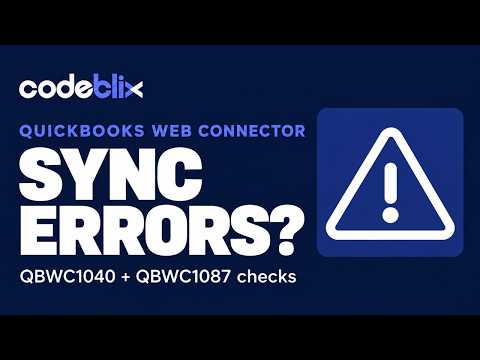
Review QBWC1040, QBWC1087, company-file and mismatch messages. Learn initial checks and what to report to support without recreating invoices.
Watch the recorded walkthrough →
Create a QuickBooks Desktop credit memo for returned goods. Use Memo format Inv 1101 - reason, correct quantities before saving and check the original invoice IRN.
Watch the recorded walkthrough →Practical Codeblix walkthroughs showing the workflow and product version recorded.
Follow the Codeblix Payroll illustrated guide through company setup, employees, time, leave, pay review, payslips and Mauritius statutory preparation, with planned Mia scenarios clearly identified.
Watch the recorded walkthrough →
Review Codeblix payslips, payroll reports, cost allocation and an internal bank list for payment preparation. Bank-specific upload files are a separate requirement.
Watch the recorded walkthrough →
Check the monthly payroll period, employee inputs, earnings, deductions, statutory values, net pay and totals in Codeblix before approval and locking.
Watch the recorded walkthrough →
Review the Codeblix employer profile, Mauritius payroll details, cost allocation and employee pay-rate settings before preparing a real payroll period.
Watch the recorded walkthrough →
Explore the Mauritius payroll cycle in Codeblix, from employer setup and employee inputs to payslips, reports and statutory-output preparation.
Watch the recorded walkthrough →Practical Codeblix walkthroughs showing the workflow and product version recorded.

Explore firm and company workspaces, named users, roles, grouped permissions and the Codeblix HRMS implementation, migration and support handover approach.
Watch the recorded walkthrough →
See how Codeblix HRMS records resignations, terminations, final dates, exit reasons and employee exit history as part of the authorised offboarding process.
Watch the recorded walkthrough →
Conduct an employee performance review in Codeblix HRMS, recording ratings, comments and outcomes within a structured HR review workflow.
Watch the recorded walkthrough →
Review attendance, import time records and process regularisation requests in Codeblix HRMS before checked and approved inputs reach payroll.
Watch the recorded walkthrough →
Organise HR documents, templates and employee acknowledgements in Codeblix, connected to the correct employee and company record.
Watch the recorded walkthrough →
Track candidate onboarding tasks, documents and progress in Codeblix HRMS, then convert the reviewed candidate into an employee record.
Watch the recorded walkthrough →
Plan interviews, collect structured feedback and compare candidates in Codeblix HRMS before the authorised hiring team makes its decision.
Watch the recorded walkthrough →
Create a job posting in Codeblix HRMS, link the vacancy to the company structure, add screening questions and prepare the approved role for publishing.
Watch the recorded walkthrough →
Set up branches, departments, job designations, employee assignments and the organisation chart in Codeblix HRMS before approving the live structure.
Watch the recorded walkthrough →
Follow recruitment, onboarding, employee records, leave, attendance, training, performance, payroll handoff and exit records in Codeblix HRMS.
Watch the recorded walkthrough →
Tour Codeblix HRMS and Mauritius payroll, connecting multi-company payroll control, employee records and the wider employee lifecycle in one platform.
Watch the recorded walkthrough →Practical Codeblix walkthroughs showing the workflow and product version recorded.
Follow Codeblix Construction from company setup and BOQ estimating to procurement, deliveries, project accounting and reporting, with illustrated Max AI scenarios.
Watch the recorded walkthrough →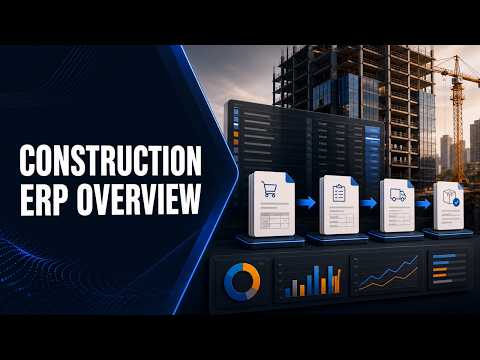
Earlier construction ERP overview. Start with the new complete guide for the latest construction workflow, BOQ, procurement and project accounting tour.
Watch the recorded walkthrough →
Meet Max inside Codeblix Construction: BOQs, rates, site material requests, purchasing, project documents and construction accounts. Watch with chapters and transcript.
Watch the recorded walkthrough →Recorded software examples from the Codeblix portfolio. Products and screens reflect the time of recording; current project scope is agreed separately.

Compare the buyer and supplier experience in FruitKiwi, a B2B produce sourcing marketplace.
Watch the recorded walkthrough →
Explore TimeMyDay, an AI course platform for IELTS preparation, assessments, certificates and student progress.
Watch the recorded walkthrough →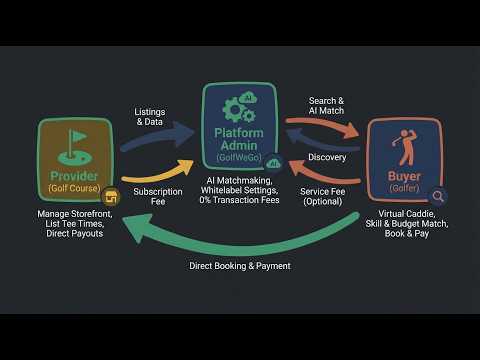
Discover the GolfWeGo product walkthrough for golf trips, tee times and golf-provider discovery.
Watch the recorded walkthrough →
See BridalWe, a wedding vendor marketplace presented in this recorded software walkthrough.
Watch the recorded walkthrough →
Explore the FunRideBikes bicycle rental marketplace in a recorded product walkthrough.
Watch the recorded walkthrough →
See how FoodAsFun brings chefs, cooking schools and culinary experiences into a focused marketplace.
Watch the recorded walkthrough →
Take a recorded tour of 1StopSalon, a beauty platform combining salon discovery, service management and daily business tools.
Watch the recorded walkthrough →
Explore CarpetFusion, a carpet cleaning software platform for lead generation, service management and payments.
Watch the recorded walkthrough →
See the Aluminius aluminium showcase and quote request system in this recorded product demo.
Watch the recorded walkthrough →
Review SimplyPup, a platform for breeders to present puppies and for families to discover breeders.
Watch the recorded walkthrough →
Explore BrandNail, nail salon software for discovery, service promotion, customer booking and business management.
Watch the recorded walkthrough →
See the CrankOver classic car parts marketplace, built around finding, listing and exchanging specialist parts.
Watch the recorded walkthrough →
Explore PixelGrin, a digital game asset marketplace connecting artists with game developers.
Watch the recorded walkthrough →
See the TeethJob dental recruitment marketplace for connecting practices and dental professionals.
Watch the recorded walkthrough →
Explore EnergyHalo, a luxury car rental platform for independent agencies managing and promoting their fleets.
Watch the recorded walkthrough →
Review Property-1, real estate software for agencies presenting properties and managing buyer enquiries.
Watch the recorded walkthrough →
Explore the second EpicFreelancer overview, a recorded tour of its freelance and digital product marketplace.
Watch the recorded walkthrough →
Continue the LogBible walkthrough with Part 2 of this AI-assisted Bible study and visual learning platform demo.
Watch the recorded walkthrough →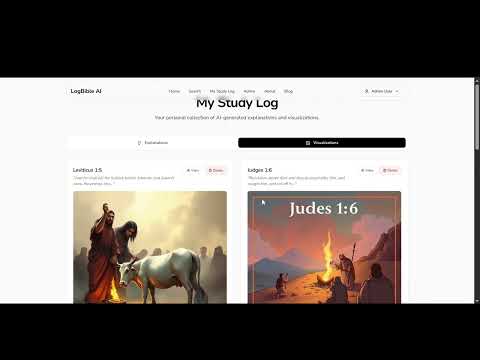
Explore LogBible, an AI-assisted Bible study platform with tutoring, verse exploration and visual learning tools.
Watch the recorded walkthrough →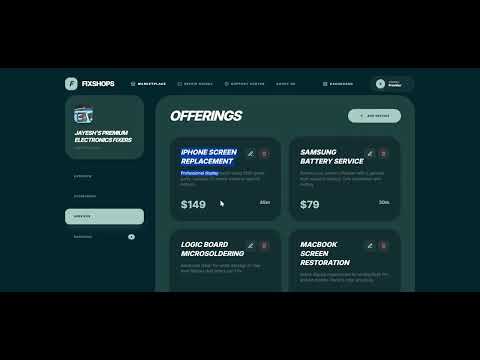
See FixShops, a repair shop marketplace for service discovery, booking and shop management.
Watch the recorded walkthrough →
See the original EpicFreelancer walkthrough for its freelance and digital asset marketplace.
Watch the recorded walkthrough →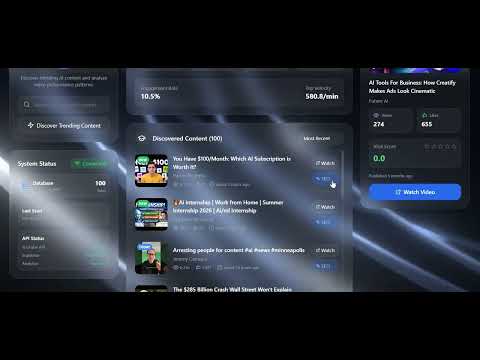
Explore TrendsByAI, a video trend research platform for creators and marketers.
Watch the recorded walkthrough →
See TheExpertInfluencer, a marketplace connecting brands and creators through campaign and hiring workflows.
Watch the recorded walkthrough →
Explore HallPros, an event venue platform for presenting spaces and helping customers search, compare and request bookings.
Watch the recorded walkthrough →Recorded software examples from the Codeblix portfolio. Products and screens reflect the time of recording; current project scope is agreed separately.

Watch a recorded AI recruiter SaaS and white label software demonstration from Codeblix.
Watch the recorded walkthrough →
See the Codeblix AI recruitment platform suite, covering CV analysis, job matching and application tracking.
Watch the recorded walkthrough →Recorded software examples from the Codeblix portfolio. Products and screens reflect the time of recording; current project scope is agreed separately.

See the blog section in this recorded WriteInvoice.com website demonstration.
Watch the recorded walkthrough →
Watch the recorded web app demonstration of a Codeblix LinkedIn lead generation tool.
Watch the recorded walkthrough →
Explore this recorded Codeblix LinkedIn lead generation software demonstration.
Watch the recorded walkthrough →Practical Codeblix walkthroughs showing the workflow and product version recorded.

Watch a short MBC feature preview introducing Codeblix Ltd and business technology in Mauritius.
Watch the recorded walkthrough →
Watch the recorded MBC feature about Codeblix Ltd, a software business in Mauritius.
Watch the recorded walkthrough →Practical Codeblix walkthroughs showing the workflow and product version recorded.
See the Codeblix Platform inventory module: products, purchases, sales, stock levels and linked accounts, with an optional EBS connection and client-specific customisation.
Watch the recorded walkthrough →Practical Codeblix walkthroughs showing the workflow and product version recorded.
Explore the Codeblix Travel custom-software proposal: travel CRM, quotations, itineraries, trip files, supplier records and accounts, illustrated with fictional data.
Watch the recorded walkthrough →