On this page
TL;DR - Run your shop, restaurant, or bar with a POS that issues MRA-compliant receipts. Inventory, staff, and reports included.
Codeblix POS is the MRA-compliant point-of-sale module for retail, restaurant, hospitality, and any Mauritius business that issues receipts at the till. Every receipt is a MRA-fiscalised invoice with QR code, so your till is always MRA-compliant.
What it does
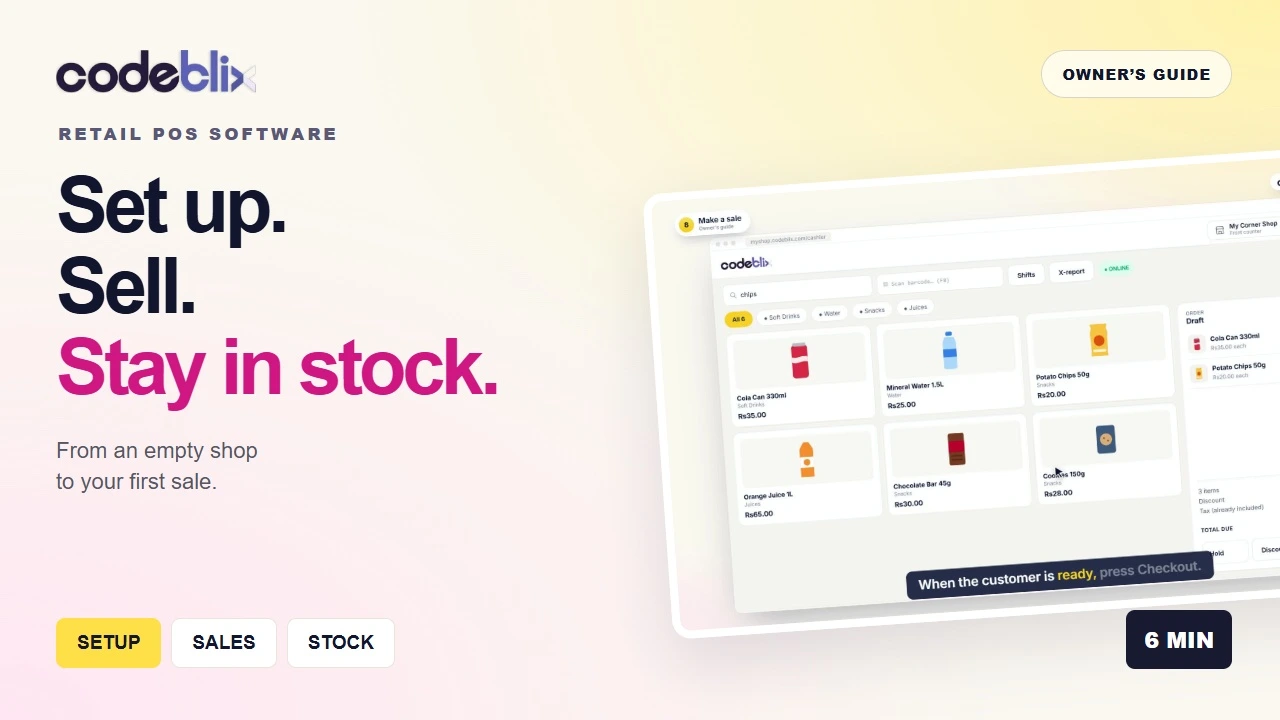
Codeblix POS is a touch-first point-of-sale system designed for tablets and touch screens. It works with any ESC/POS thermal receipt printer, USB or Bluetooth barcode scanner, and cash drawer. Sub-second checkout, multi-till support, restaurant mode, and full inventory integration.
Why it matters
For retail, restaurant, and hospitality businesses in Mauritius, the till is where the MRA fiscalisation happens. Codeblix POS makes every POS receipt a MRA-fiscalised invoice with hash chain, IRN, and QR code - the same compliance you get on the back office, but at the till.
How it works
You scan items, apply discounts, accept payment (cash, card, MCB Juice, my.t money), and print the receipt. The system fiscalises the sale with the MRA in real time. If the MRA endpoint is unreachable, the sale continues in offline mode and is auto-fiscalised on reconnect.
Hardware compatibility
Codeblix POS works with: ESC/POS thermal receipt printers (80mm and 58mm), USB and Bluetooth barcode scanners, cash drawers, and customer-facing displays. We have tested models from Epson, Star, Citizen, Xprinter, and most generic ESC/POS hardware.
Multi-till and multi-branch
Run multiple tills in one location, or multiple locations in one Codeblix account. Each till has its own user, drawer, and report. Head office sees consolidated sales in real time.
Restaurant mode
Table management, kitchen ticket printing, course firing, server handoffs, split bills by item or amount or guest count. Tips on receipt. Designed for fast casual and full-service restaurants in Mauritius.
Inventory integration
Every POS sale auto-deducts stock from inventory. Multi-location, batch and expiry tracking, low-stock alerts via email and WhatsApp. FEFO (first-expiry-first-out) for perishable goods.
Discounts and loyalty
Percentage or fixed discounts. Time-based promotions. Loyalty points. Manager overrides for special cases. All discount activity is logged for audit.
Reports
Daily Z-report, hourly sales, top sellers, slow movers, staff performance, payment method breakdown, voids and refunds, drawer count. All exportable to PDF or Excel.
Pricing
Codeblix POS is included in every Codeblix plan at no extra cost. Use one till or many. No per-transaction fees.
Internal links
See related features: Barcode Scanner Support, Thermal Printer Integration, Split Bills, Restaurant Mode. See how Codeblix compares to Systel POS and Invicta. Read Codeblix for retail in Mauritius.
Implementation notes for Mauritius businesses
When a Mauritius business evaluates Pos, the practical question is not only whether the feature exists, but whether it works with MRA e-invoicing, VAT reporting, staff permissions, audit trails, and the day-to-day workflow of a local company. Codeblix is built around those local requirements, so the module connects naturally with invoices, customers, items, reports, and fiscal records instead of living as a disconnected add-on.
For teams moving from spreadsheets or a legacy desktop tool, the recommended approach is to start with the core workflow, import the clean master data first, test with a small group of users, then roll out branch by branch or department by department. This avoids disruption while giving management better visibility from the first week.
What to check before going live
Before launch, confirm user roles, tax settings, document numbering, product and customer data, and backup access. If the module touches invoices or receipts, also test the offline flow, PDF output, and reporting exports. A good implementation should leave the business with clearer records, faster processing, and fewer manual corrections.