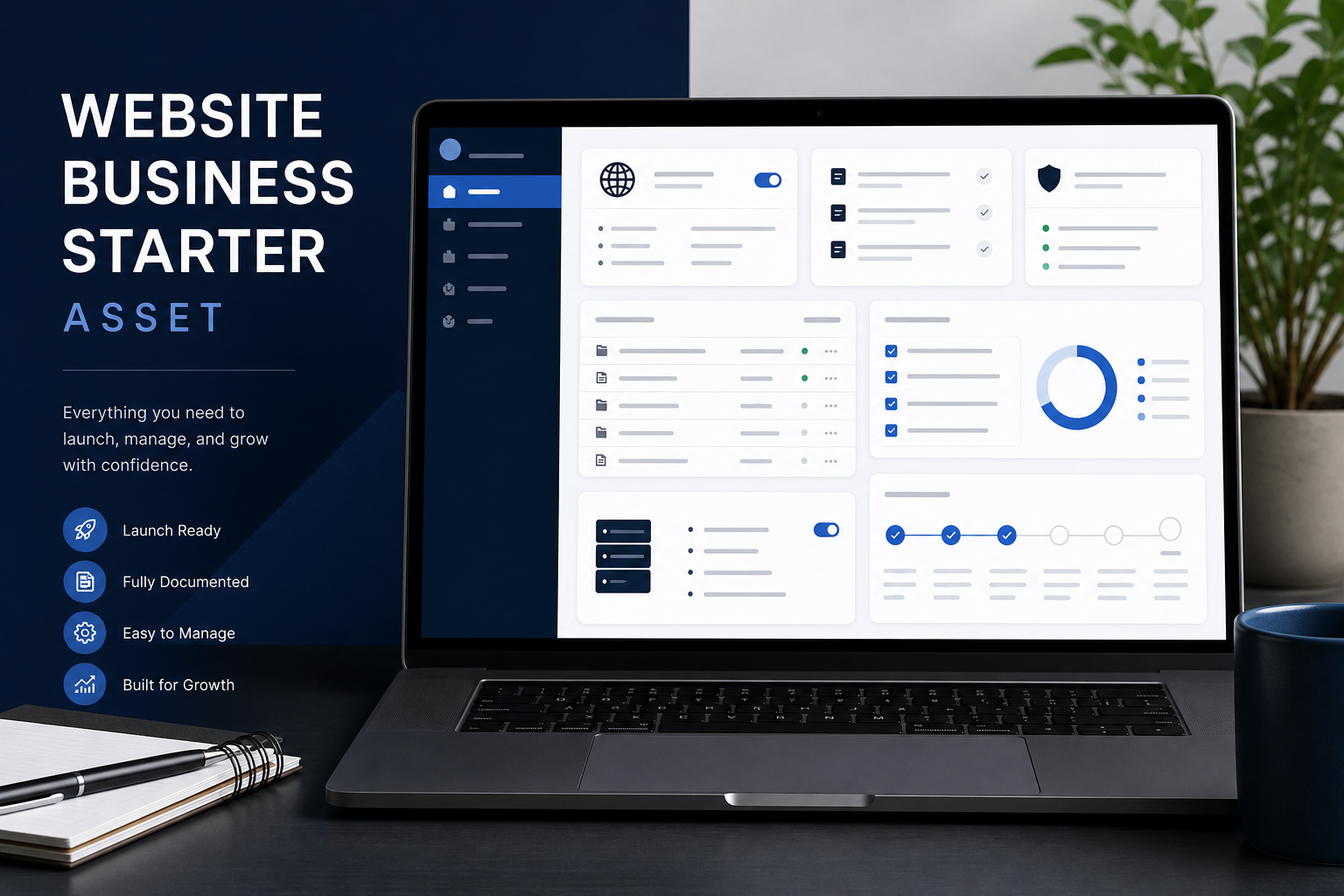
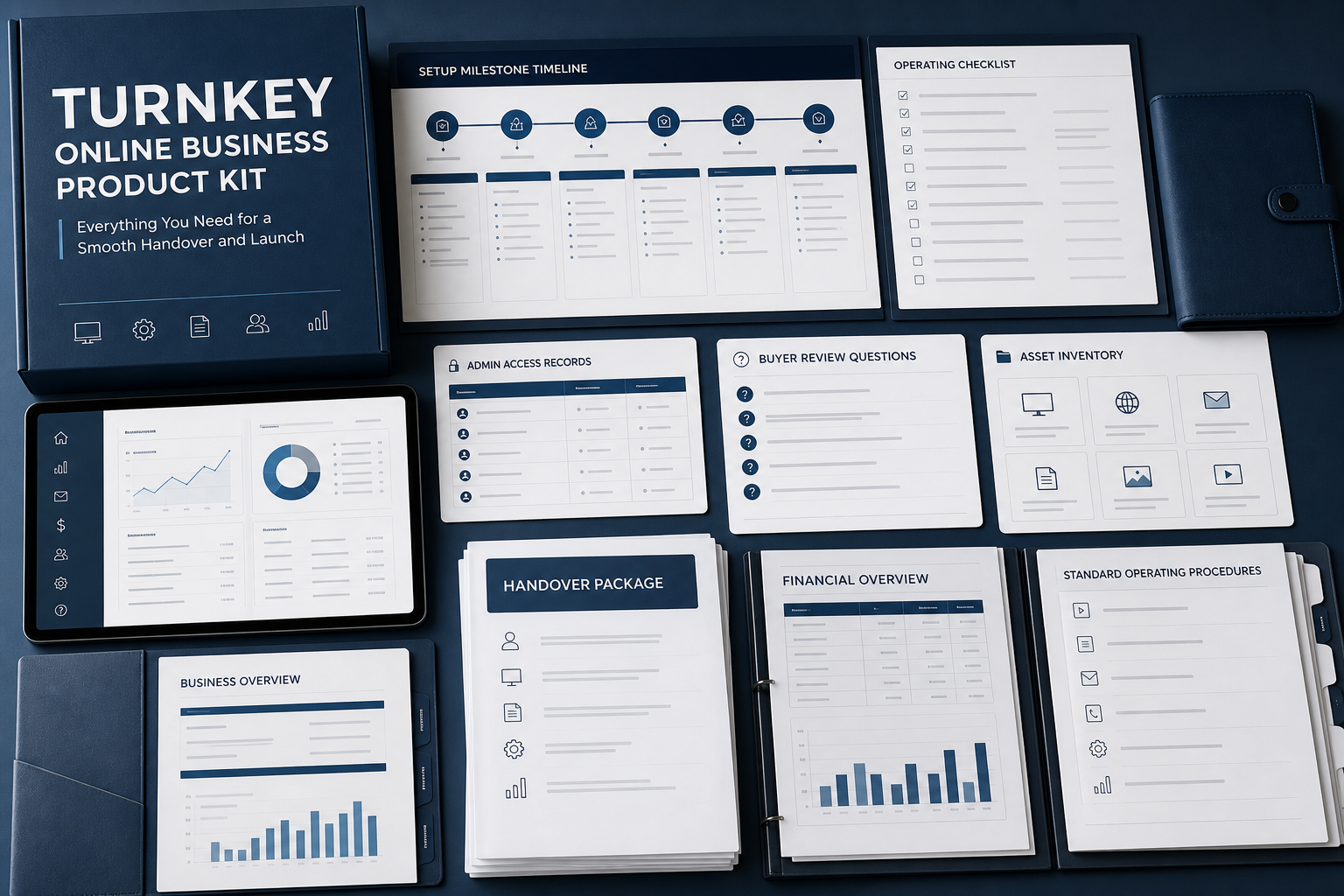
Online Business Operations Dashboard is a Codeblix concept for viewing enquiries, tasks, content updates and service status across a small online operation. It targets online business for sale search intent as an operations asset. This listing describes a dashboard scope and does not claim an operating company, customers, traffic or profit.
Replace scattered operating notes with a working view
Small online businesses often depend on a mixture of inboxes, spreadsheets and personal reminders. The owner can miss a lead, overlook an overdue update or lose track of a supplier issue without noticing. This dashboard concept brings the recurring work into one view while preserving the detail needed to act on each item.
From incoming signal to completed task
The proposed workflow collects an enquiry, content request, maintenance issue or service task and assigns it to a responsible person. The operator sees priority, due date, source and current status. Completion should include a short record of what changed, allowing the next owner to understand the decision without asking for the full history.
Operations dashboard acceptance test
Test a new enquiry, an overdue task and a recurring content update. The operator should be able to filter the work, assign ownership and close one item without changing the others. A handover reviewer should also be able to tell which records are sample data and which would belong to the buyer’s operation.
Signals and ownership records
- Separate customer or supplier data from internal task notes.
- Show source, owner, priority, due date and status for each work item.
- Keep a history when a task is reassigned or reopened.
- Define which recurring checks are manual and which can be integrated later.
Possible use after customization
A buyer could use the dashboard for a content site, lead service, online store or managed subscription operation. Its commercial value depends on the workflow it improves and the owner’s ability to act on the data. No customers, traffic, revenue or valuation are claimed.
Configuration and deployment
Customisation may cover task types, status names, roles, alerts, import fields and reporting views. Installation should document hosting, mail, storage, backups and administrator access. Handover should include recurring checklists and examples of a completed operational record.
Questions before adopting the dashboard
Ask which systems can feed the dashboard, how sensitive records are restricted, how backups work and what remains manual. Request a walkthrough using the buyer’s own top three recurring tasks before approving a production adaptation.
Included in Online Business Operations Dashboard
Transfer-Ready Operations product brief
A scoped brief for online business for sale, centred on runbooks, ownership records, dependencies and handover boundaries.
Online Product Due Diligence workflow map
Roles, states and exceptions for a transfer task through the proposed product.
Transfer and configuration notes
Practical questions for adapting this marketing foundation to a buyer-controlled environment.
Feature map for Online Business Operations Dashboard
Transfer-Ready Operations
Makes runbooks, ownership records, dependencies and handover boundaries visible as owned actions rather than a static dashboard.
Marketing records
Captures the fields needed to operate online business for sale with consistent status and responsibility.
Review states
Keeps incomplete, rejected, paused and completed cases distinct.
A Visible Exception Queue
Provides a concrete acceptance target for online product due diligence.
Integration boundary
Identifies where approved mail, payment, storage or reporting services can connect later.
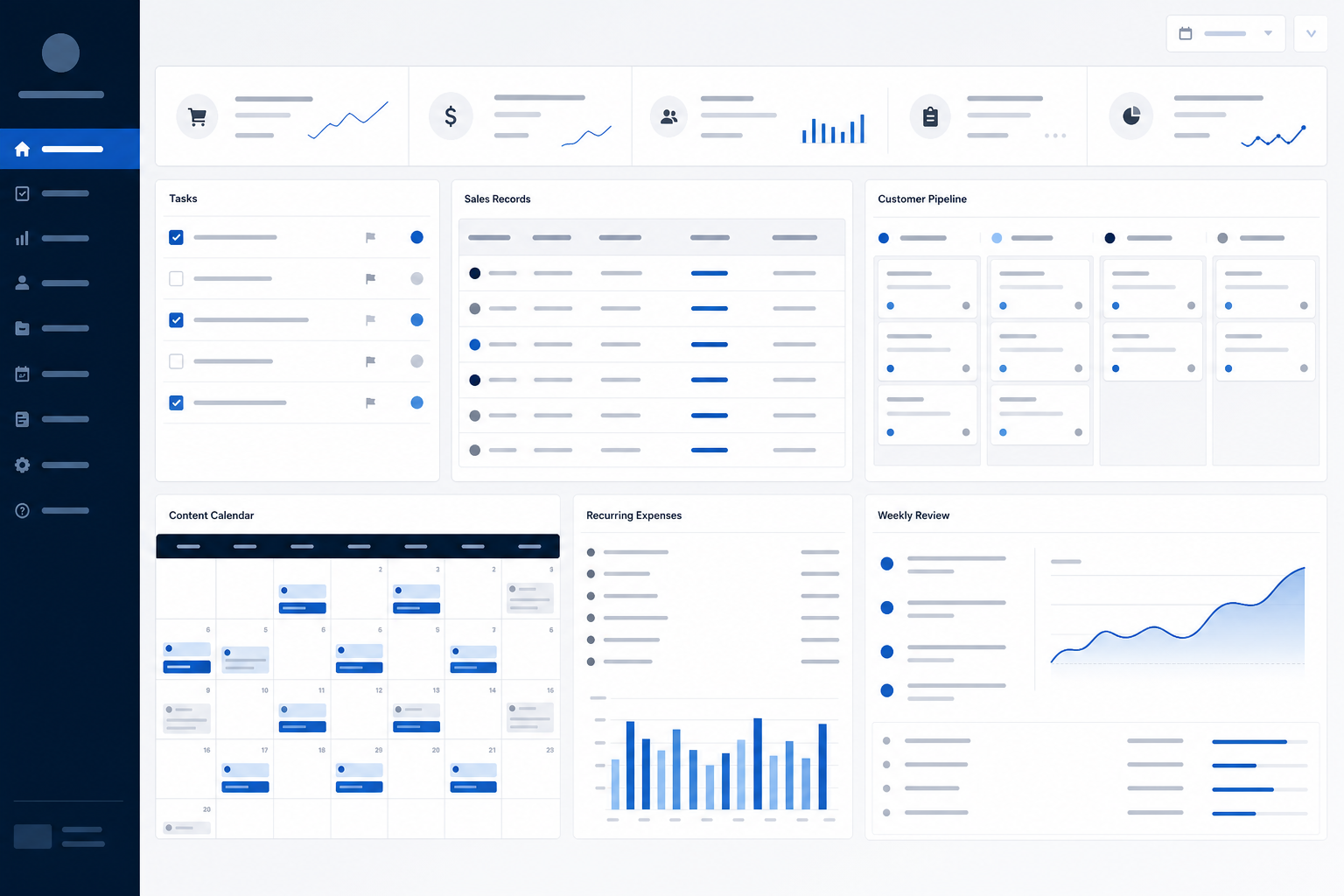
Product gallery
These screens show the intended product direction and core workflows.
Technology selected for Online Business Operations Dashboard
- Laravel 12
- PHP 8.3+
- React or Blade UI
- TypeScript-ready frontend
- MySQL or PostgreSQL
- REST API-ready architecture
Best fit for Online Business Operations Dashboard
- Founders testing online business for sale as a focused offer
- Operators needing transfer-ready operations in a marketing workflow
- Agencies preparing a tailored online product due diligence product
- Buyers wanting documented scope before commissioning custom development
Commercial paths for Online Business Operations Dashboard
These are product models a buyer could implement. They are not claims about existing Codeblix revenue.
- Premium Onboarding around online product due diligence
- Tiered access based on roles, records or usage
- Paid onboarding and implementation for marketing teams
- Managed support or partner delivery
Customization and installation for Online Business Operations Dashboard
Customization route
- Adapt fields and statuses for runbooks, ownership records, dependencies and handover boundaries
- Rewrite labels around the buyer's marketing terminology
- Connect approved third-party services after discovery
- Replace concept copy with verified brand content
Installation route
- Deploy to buyer-controlled hosting
- Configure domain, mail, storage and approved integrations
- Run role-based acceptance checks
- Document backups, access and maintenance ownership
Handover plan for Online Business Operations Dashboard
- Confirm acceptance criteria for transfer-ready operations
- Walk through runbooks, ownership records, dependencies and handover boundaries with the product owner
- Transfer approved files and environment notes
- Record third-party ownership and post-handover responsibilities
Risks to review for Online Business Operations Dashboard
- The keyword online business for sale reflects search intent, not proof of an operating business.
- Runbooks, ownership records, dependencies and handover boundaries require decisions about access, retention and exception handling.
- Plan specifically for weak catalogue taxonomy before launch.
- Hosting, legal terms, security review, integrations and maintenance are separate concerns.
Questions about Online Business Operations Dashboard
Is this an operating online business for sale business?
No. It is a Codeblix apps concept focused on transfer-ready operations. It makes no claim about customers, traffic, revenue, profit or valuation.
What does the online business for sale workflow cover?
The proposed scope covers runbooks, ownership records, dependencies and handover boundaries. The exact deliverable is confirmed after requirements and technical review.
Can Codeblix customize it?
Yes. Branding, roles, terminology, integrations and deployment can be discussed around the buyer's marketing requirements.
What should be checked before proceeding?
Request the included-file list, a walkthrough, technology versions, deployment requirements, licence position and support boundaries.