
How to review dental practice software before booking a demo.
An editorial support page that helps a buyer prepare requirements, compare evidence and return to one commercial solution owner without competing with it.
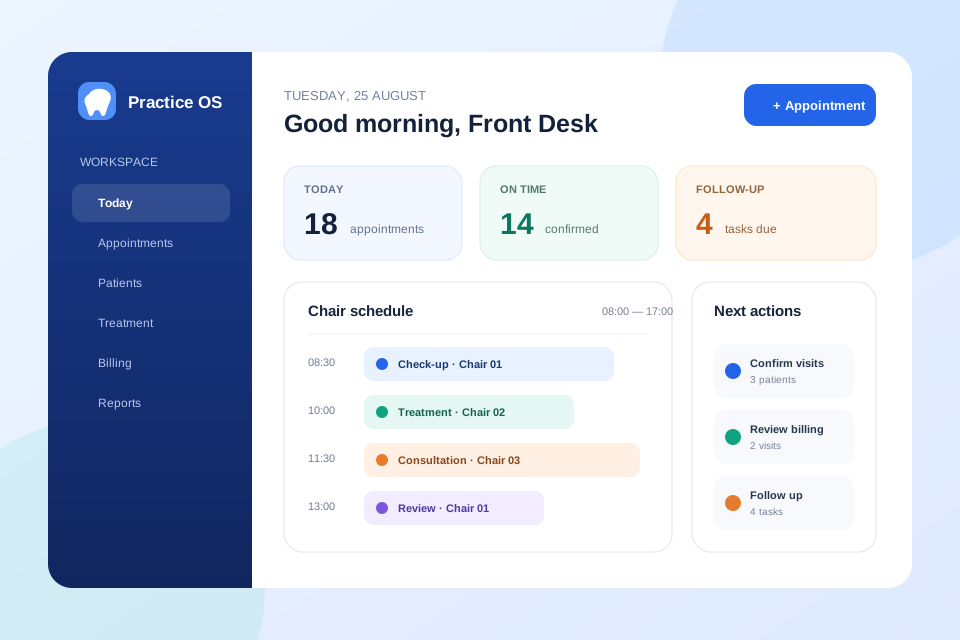
What this software helps you plan.
Start with the operating result, then compare the delivery route, evidence and implementation boundary.
Prepare the real workflow
Document roles, chairs, appointment types, reminders, billing and reporting before comparing interfaces.
Ask for product evidence
Request current screens, workflow demonstrations, security boundaries, export options and delivery scope.
Compare total implementation
Include migration, configuration, training, integrations and support rather than comparing licence price alone.
Start with one working day
Write the appointment journey from first contact to the next visit. Include cancellations, emergencies, clinician changes and payment exceptions.
Separate must-haves from preferences
Make safety, access, data and operational requirements mandatory. Keep cosmetic interface preferences in a separate scoring group.
Test the handoff, not only the happy path
Ask the vendor to demonstrate a failed reminder, a rescheduled appointment, a corrected invoice and a user whose access has changed.
The guide structure
Each section solves a buying question and links back to the canonical dental solution page.
Map the day
List the current booking, visit, payment and follow-up workflow.
Score the evidence
Evaluate fit, access, migration, integrations, support and limitations.
Run a scenario demo
Test one representative patient journey and one difficult exception.
Demo questions
- Can staff see chair conflicts?
- How are permissions separated?
- What happens when reminders fail?
- How is data exported?
Implementation questions
- Data preparation
- User and role setup
- Integration ownership
- Training and acceptance
Plan the right delivery route.
Clarify product status, customization and scoping before choosing the next step.
What should a dental practice document before comparing software?
Record appointment types, clinician and chair rules, user roles, patient communication, billing handoffs, reports, integrations and data-migration needs.
Should a dental software demo include difficult scenarios?
Yes. Test a cancellation, emergency slot, failed reminder, corrected invoice and permission change as well as the normal patient journey.
How should implementation cost be compared?
Compare the licence or source-code price together with configuration, migration, integrations, training, hosting, support and future maintenance.
Can Codeblix customize or build a dental workflow?
Yes. Codeblix can review an existing product foundation, customize a suitable source-code base or scope a new workflow after the required roles, records and integrations are clear.