
MRA CEMS-Betting
Bookmaker software for licensed operators in Mauritius. Follow a foreign-football transaction from the sandbox to the fiscal receipt and daily report.
Watch the demo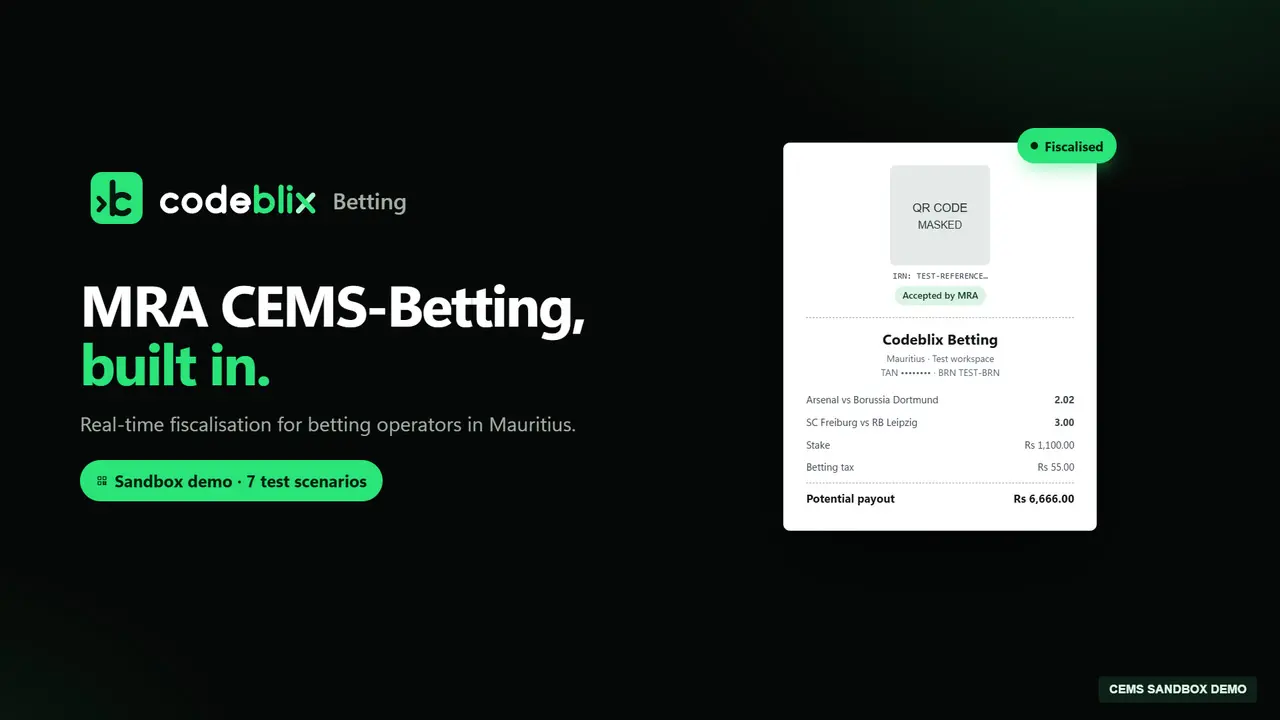
What is CEMS-Betting?
CEMS means Central Electronic Monitoring System. The Mauritius Revenue Authority uses CEMS-Betting to record and monitor betting transactions. Its Secure Hub describes fiscalisation and receipt workflows for licensed operators. Read the MRA overview.
Codeblix Betting demonstrates the foreign-football workflow in a sandbox. See a new transaction, linked win and payout, a cancellation and refund, and what staff see while an item waits for a response. The public film uses sample records with test identifiers masked.
Watch Codeblix Betting in the sandbox
Follow an example transaction from entry to the fiscal receipt. Open the watch page for chapters and the English transcript.
MRA CEMS-Betting Mauritius | Bookmaker Software Demo | Codeblix
5 min 42 secWatch Codeblix Betting software for bookmakers in Mauritius. Follow a foreign-football test transaction through CEMS-Betting fiscal receipts, MRA submissions and reconciliation.
Watch the recorded walkthrough →Follow the transaction
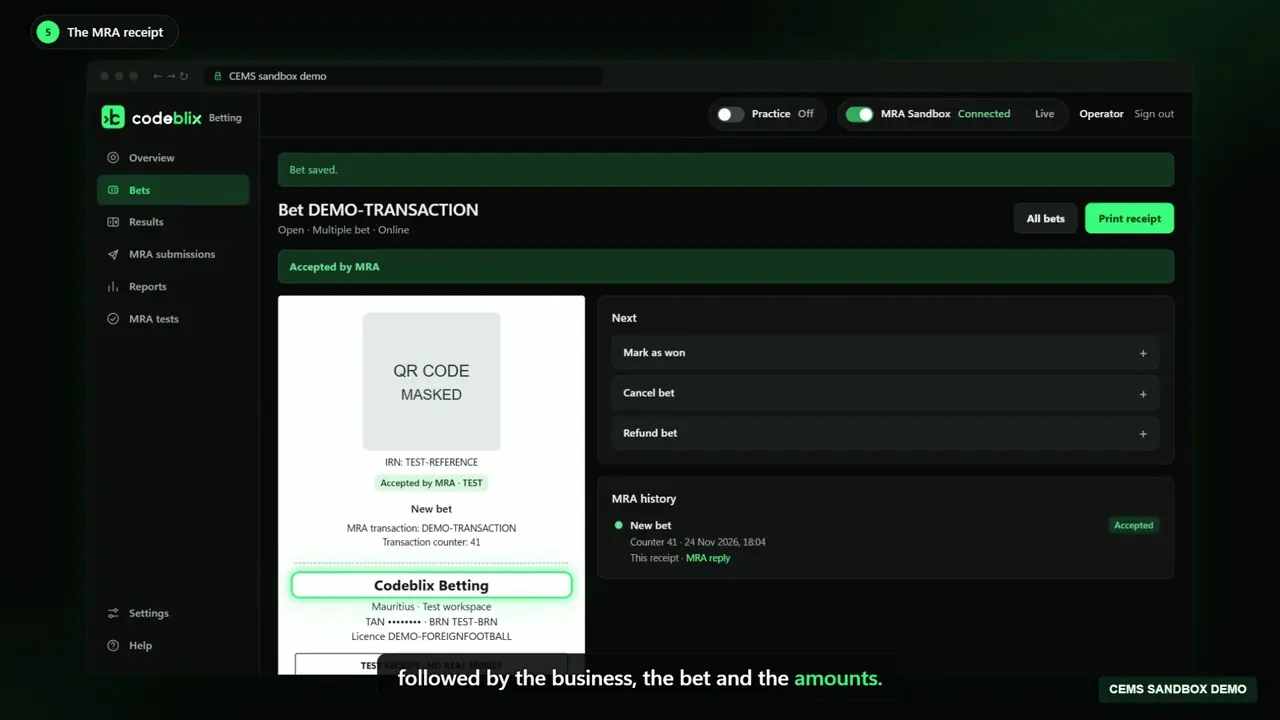
Receipts, QR codes and IRNs
See how a CEMS-Betting receipt links a bookmaker transaction to the MRA response, QR code and Invoice Registration Number.
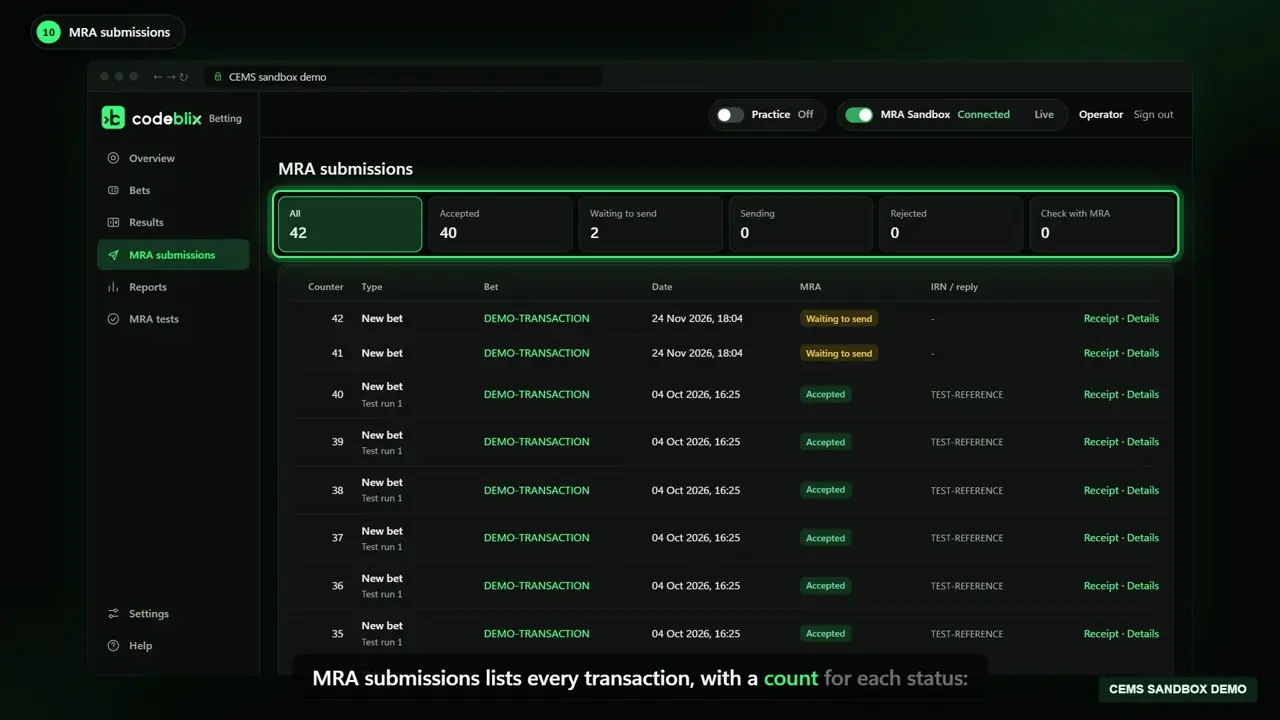
Submissions and reconciliation
Read the CEMS-Betting submission workflow for Mauritius bookmakers, including waiting records, uncertain replies, daily reporting and CSV exports.
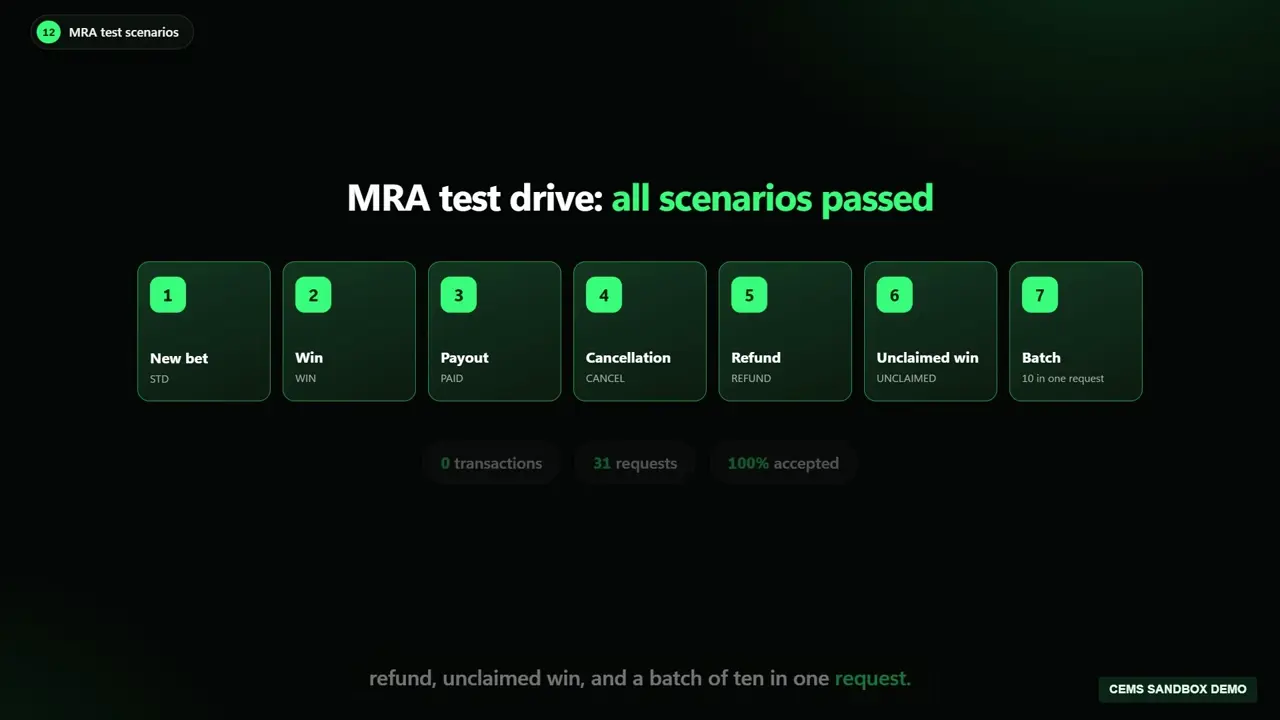
Sandbox testing and staff practice
Review the seven CEMS-Betting sandbox scenarios, the separate Codeblix training workspace and the questions to settle before a bookmaker rollout.
Before you plan a rollout
What licence category does the film show?
The demo covers foreign football. Bring your exact licence category and transaction channels when discussing implementation.
What happens when a submitted record is unclear?
Review the record and reconcile it against the MRA record before making another submission decision. The submissions guide shows the Check with MRA status.
What should we bring to a demo?
Have a sample receipt, reporting handover, licence category and the number of outlets or channels you plan to support. Use the film to identify chapters your staff want to review together.
Discuss your CEMS setup
Tell us your licence category and which receipt, submission and reporting workflows your team needs.
Contact Codeblix